
We use cookies.
MagicPattern Changelog
Follow every new tool, feature, improvement, and fix shipped for the MagicPattern design toolbox.
Table of Contents
Dark Mode
8 July 2026
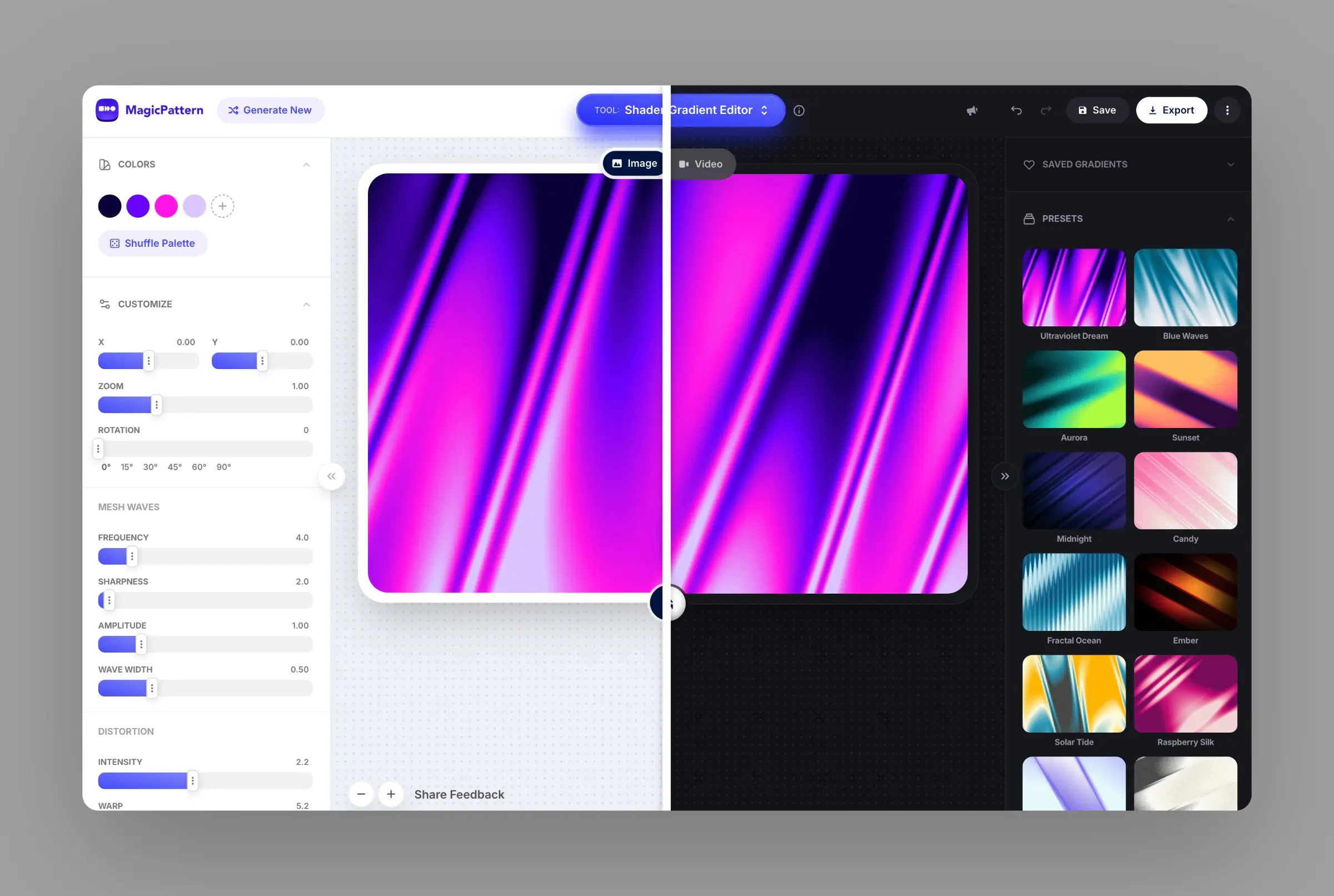
Dark mode is now available for all MagicPattern tools and pages 🌗
Switch between light and dark themes from the in-app header settings menu or use the keyboard shortcut
Shader Background Video Mode
8 July 2026
The Shader Background Generator now includes Video Mode.
Build animated shader gradients with keyframes, timeline controls, playback previews, and export settings for engaging animated gradient backgrounds.
- Switch between Image and Video mode inside the Shader Background Generator.
- Add and edit keyframes to animate shader attributes like distortion, position, and frequency.
- Preview timing with timeline controls before exporting your background.
- Export smooth shader videos for websites, presentations, and social content.
Shader Gradient Editor
10 June 2026
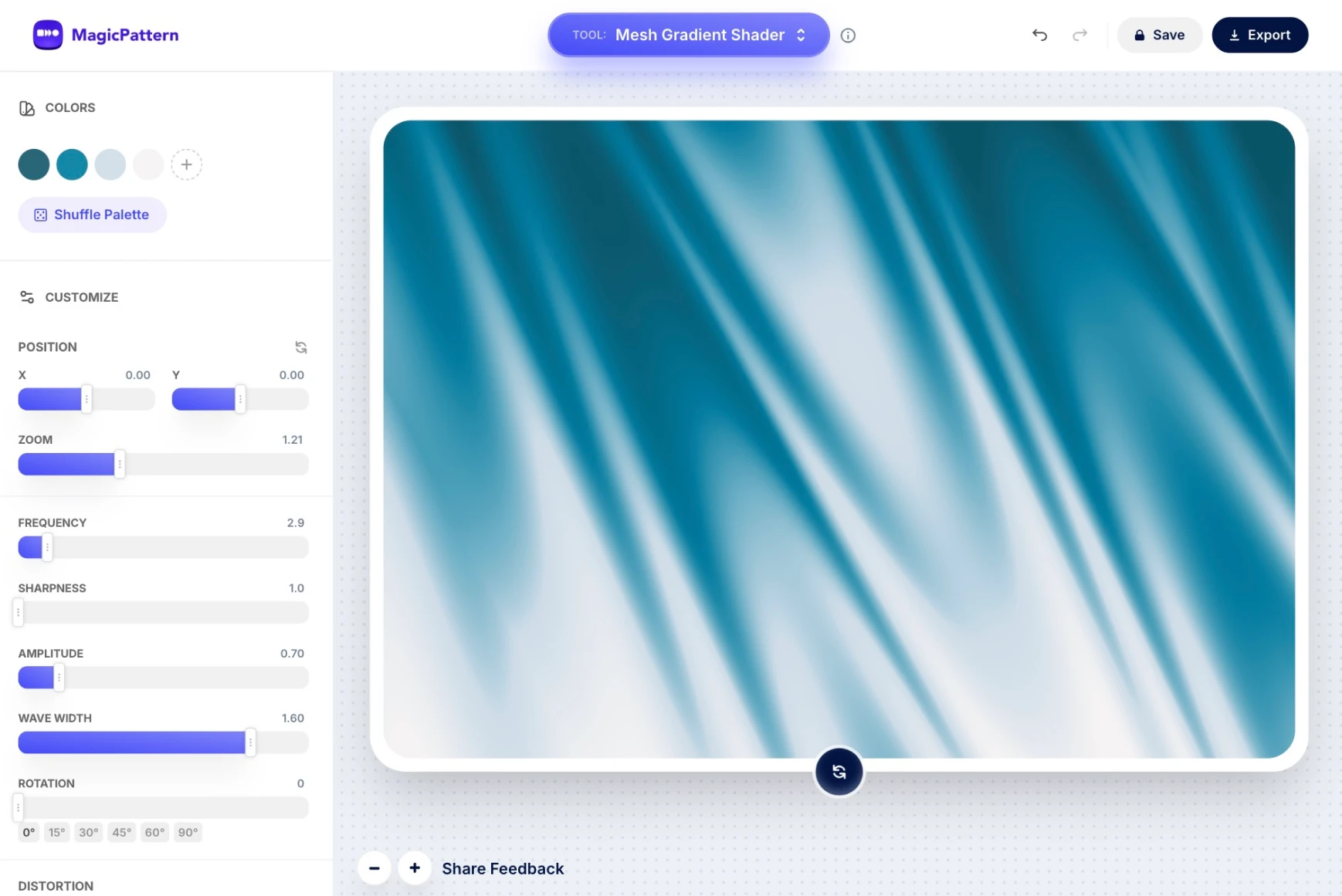
Create liquid, silk, streaked, and grainy shader gradient backgrounds with curated presets, color controls, wave distortion, dithering, film grain, and one-click randomization. Export polished WebGL-inspired gradients as high-resolution PNG or JPG images for websites, branding, posters, and social graphics.
View updateColor Tools Suite
10 June 2026
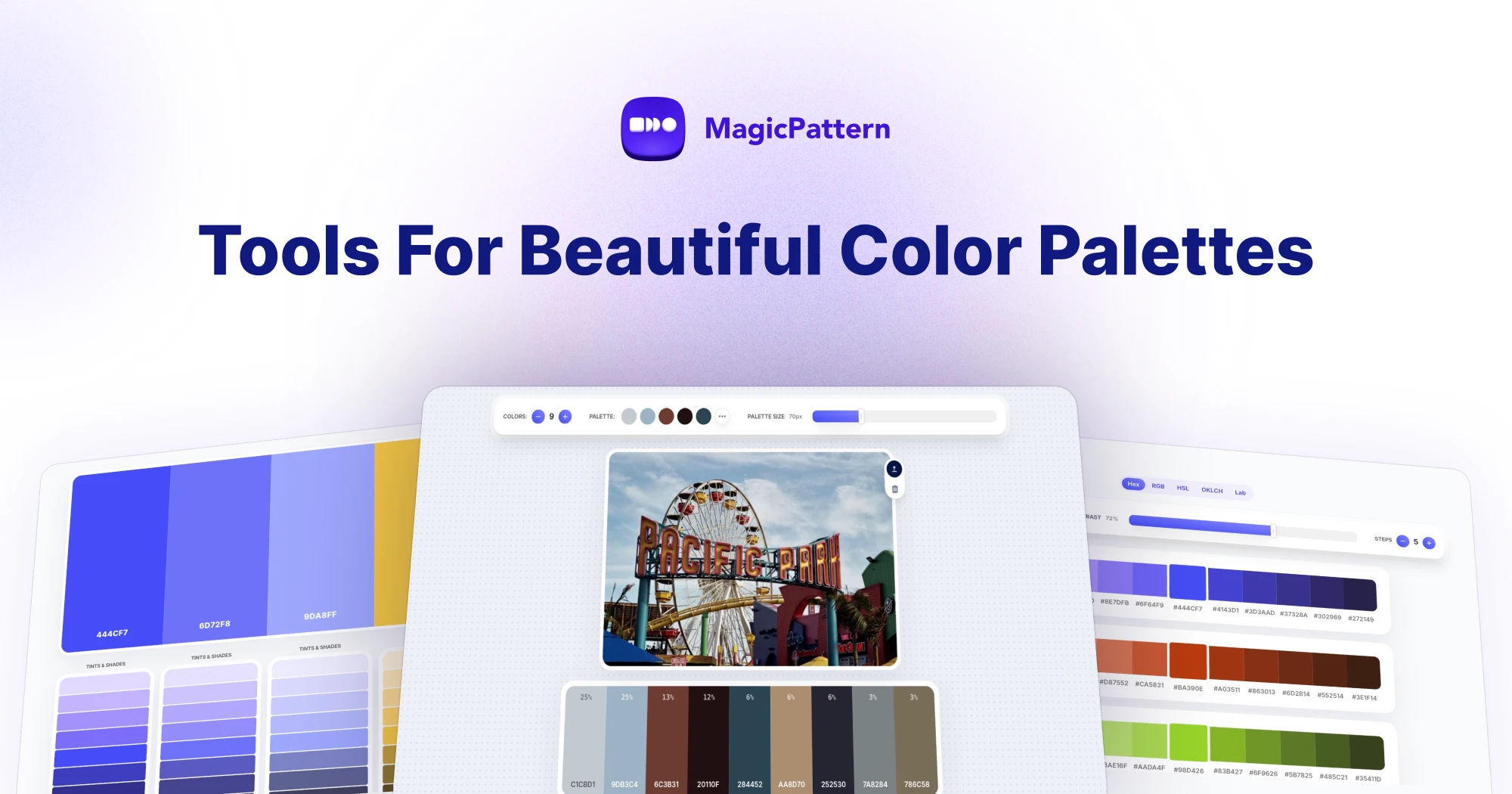
Build complete color systems with the new color tools suite. Generate palettes, create tints and shades from any base color, prepare Tailwind-ready scales, extract colors from images, and copy export-friendly formats for design systems and frontend projects.
View updateHalftone Generator
6 June 2026
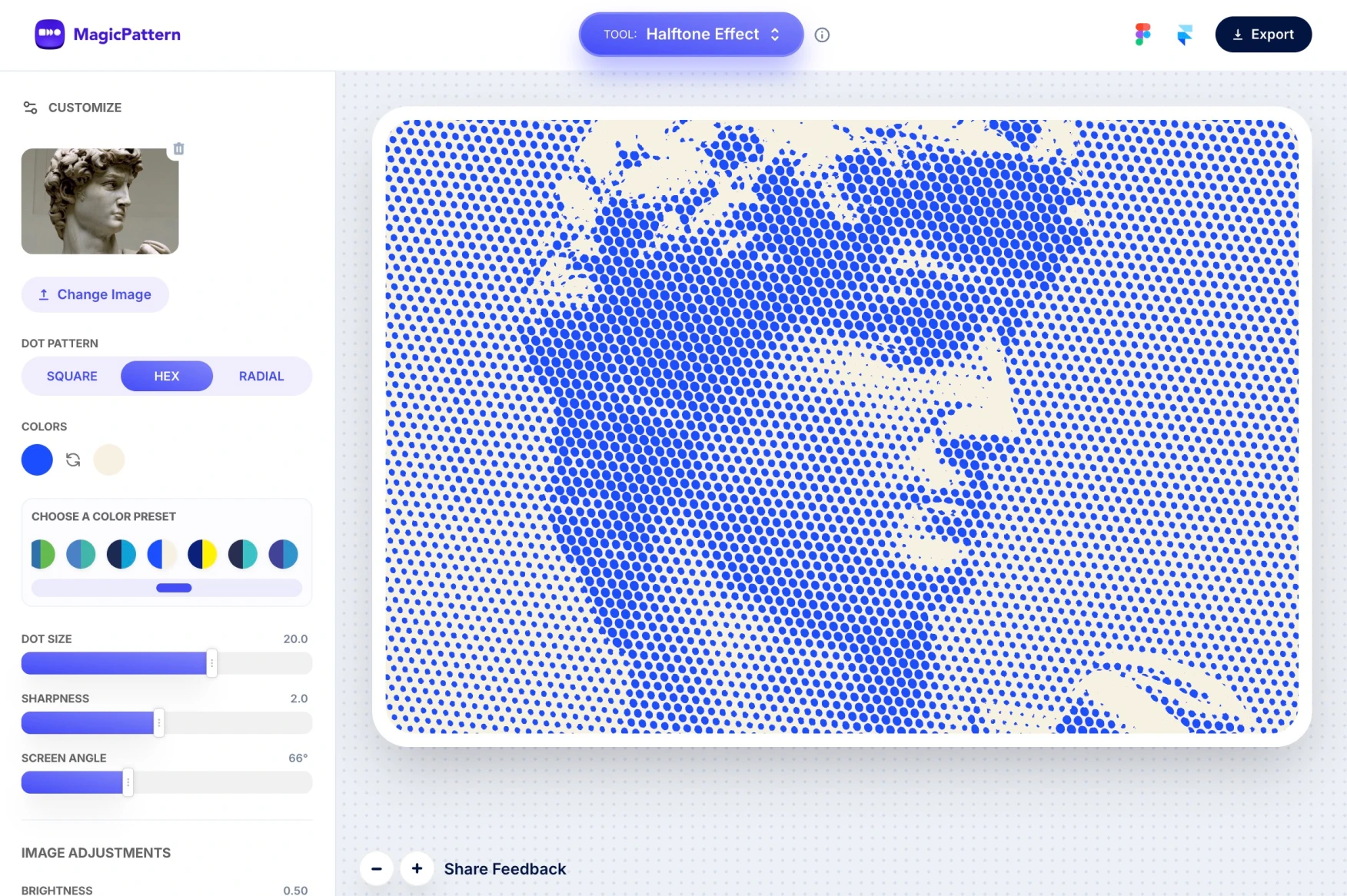
Turn any image into bold comic, newsprint, or pop-art artwork in a few clicks. Upload a picture, fine-tune the dot style and colors, then export a polished visual for posters, album covers, social posts, or editorial graphics.
View update3D Perspective Grid Generator
5 June 2026
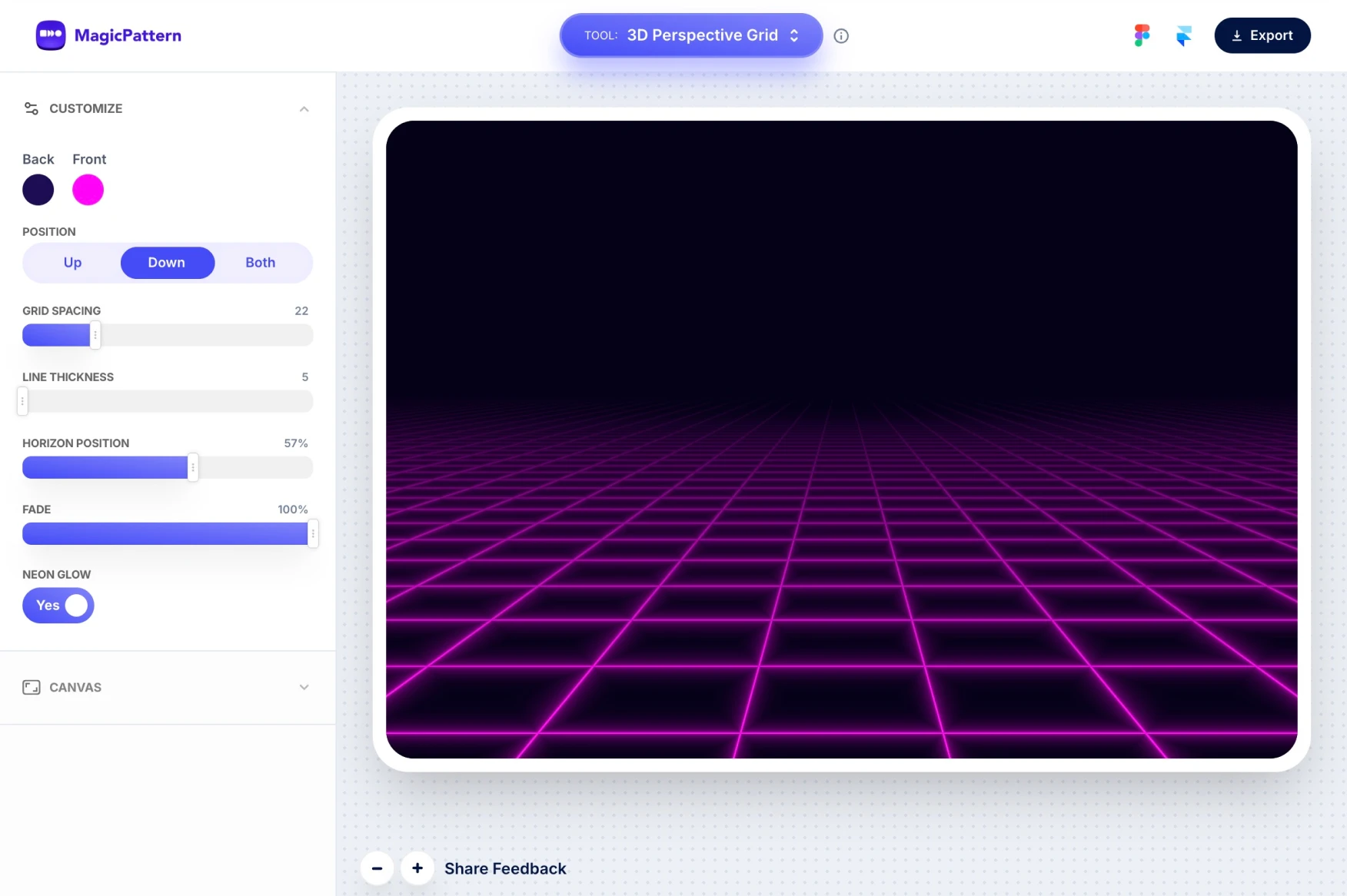
Create glowing retro perspective grids for wallpapers, covers, posters, and social graphics. Adjust the colors, fog, horizon, and grid placement to get anything from subtle depth to full cyberpunk energy.
View updateCSS Patterns Redesign
2 June 2026
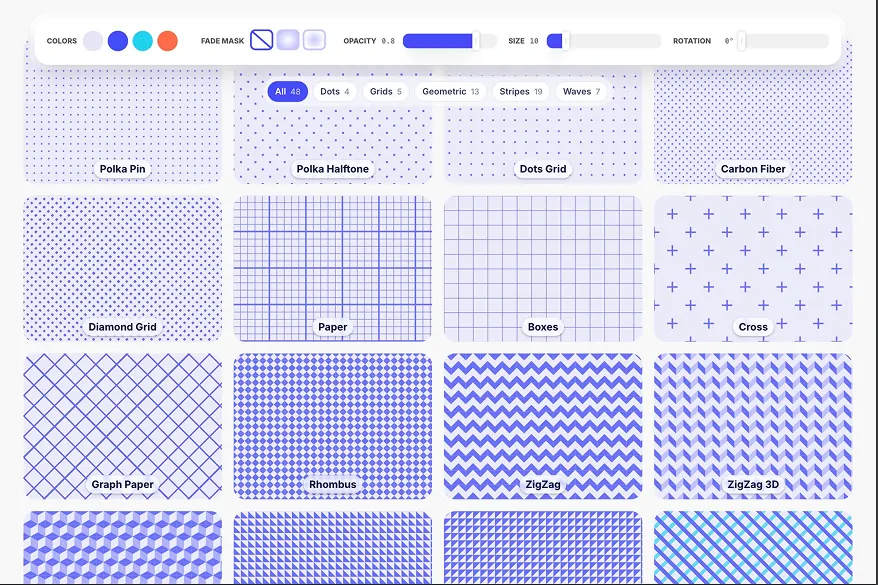
CSS background patterns are now easier to browse and use. Jump straight into dots, grids, stripes, waves, or geometric patterns, customize the look, and copy lightweight CSS backgrounds without exporting image files.
View updateCSS Pattern Editor
2 June 2026
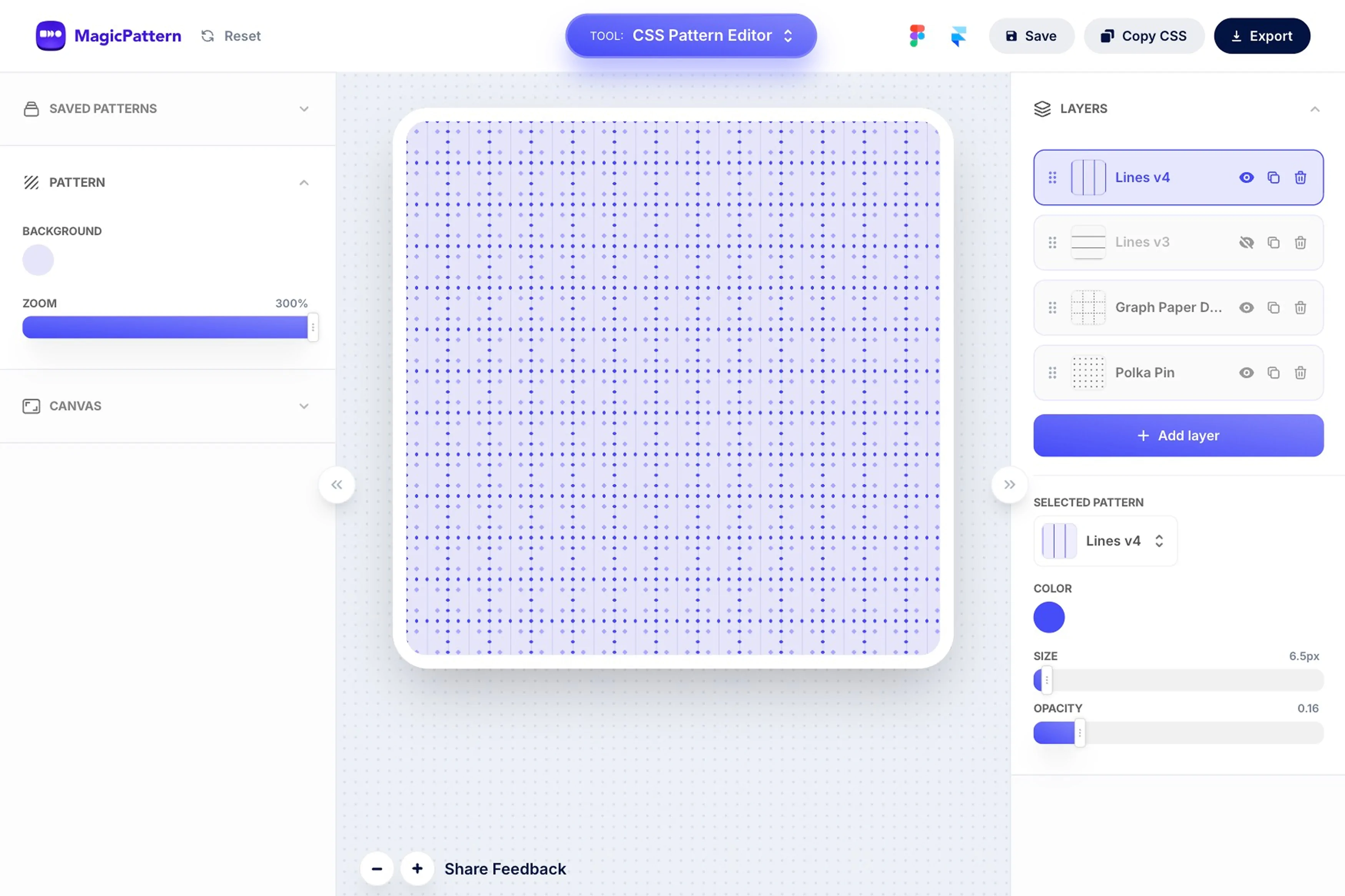
Layer multiple CSS patterns together and tune colors, size, rotation, and opacity from one editor. It is a faster way to build unique website backgrounds and copy production-ready CSS when the design feels right.
View updateVersion 2.0.20
Grid Background Patterns
March 2023

Introducing the Grid Background Pattern maker. Create subtle background patterns for UI designs and social media posts, export them as SVG, customize every detail, and open your result in CodePen.
View updateVersion 2.0.19
Confetti Generator
February 2023
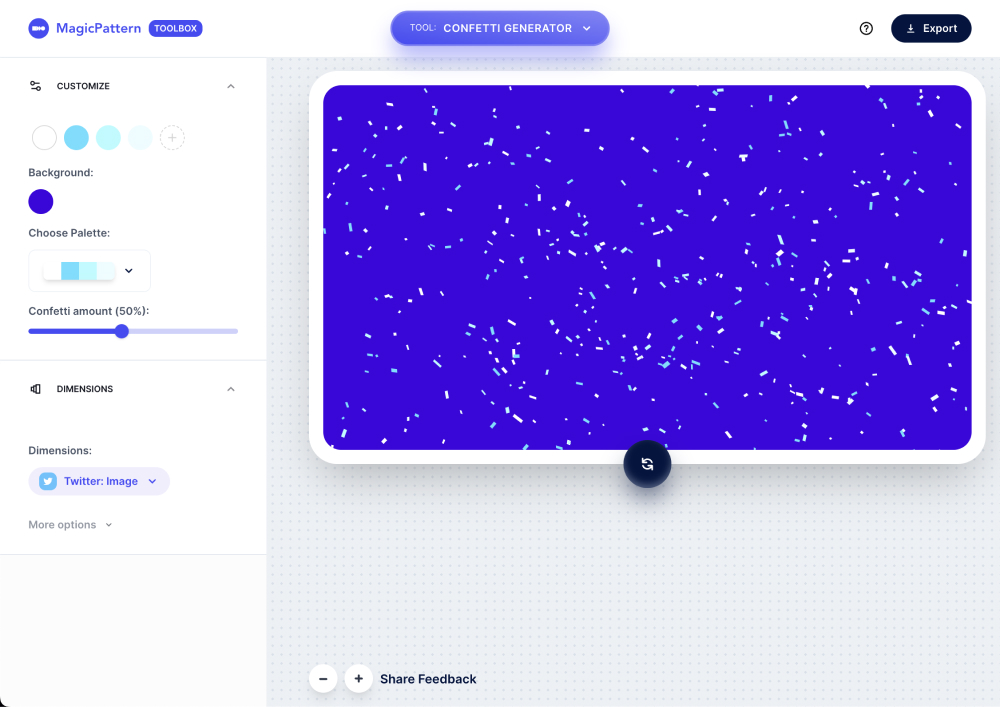
The Confetti Generator makes it easy to create random confetti backgrounds for websites and social media posts. Export SVGs, customize colors, and adjust the confetti amount in the graphic.
View updateVersion 2.0.18
Big Update for Mesh Gradients Tool
January 2023

The Mesh Gradient tool got a complete revamp with SVG export, a better and more robust way to create mesh gradients, and blur controls between colors.
View updateVersion 2.0.16
Beta API for Geometric Patterns
June 2021
The Geometric Patterns API helps developers enhance app experiences with customizable backgrounds. Almost all customization parameters from the web app are available through the API too.
Version 2.0.15
Pick a Random Palette
May 2021
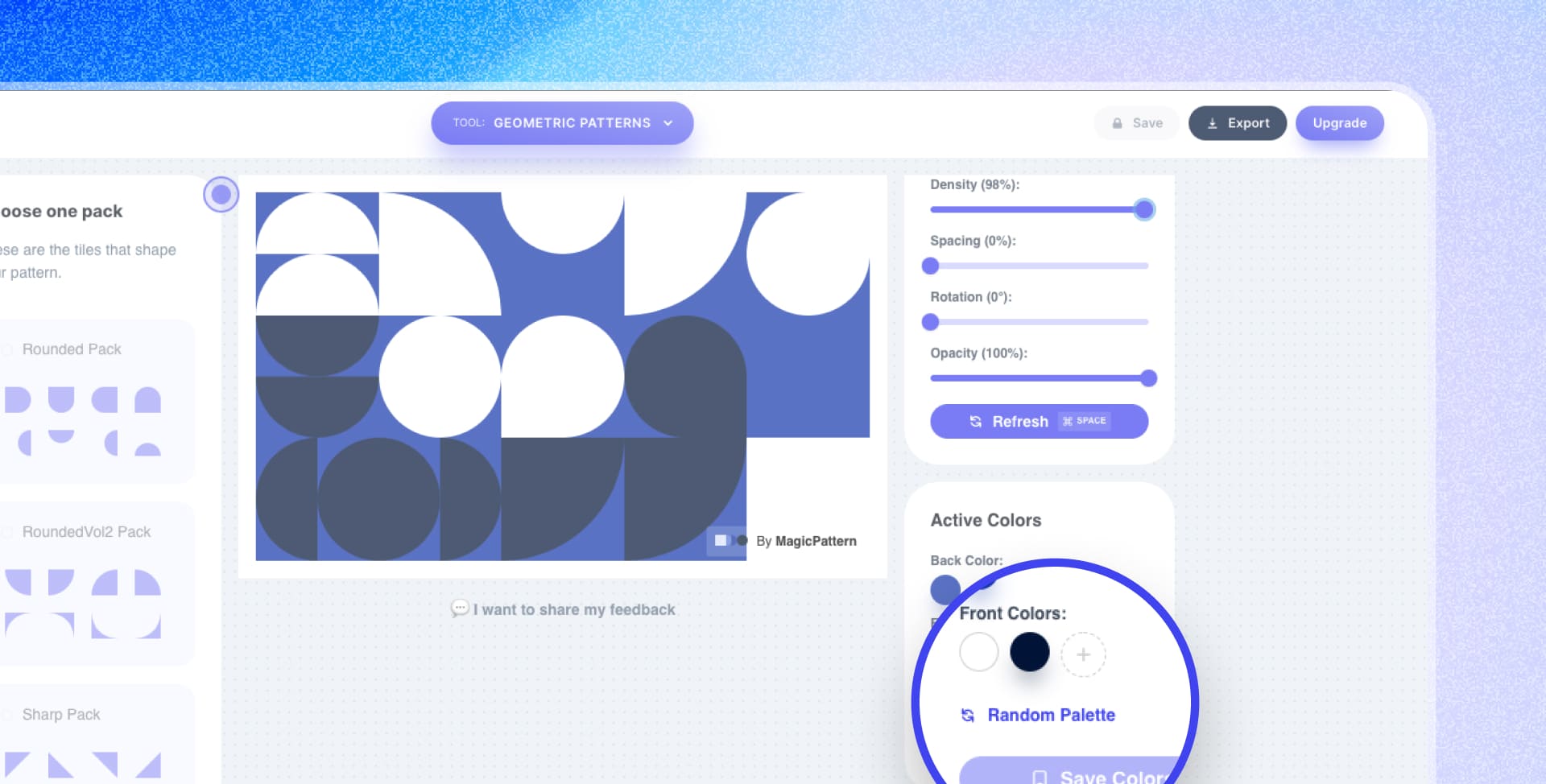
Instantly refresh a pattern by picking a random palette from the preset collection.
Version 2.0.14
Custom Tiling for Seamless Patterns
27 April 2021

Customize the Seamless Pattern editor grid, choose between four tiling options, and crop uploaded images with a few clicks.
Version 2.0.13
Save Mesh Gradients
24 April 2021
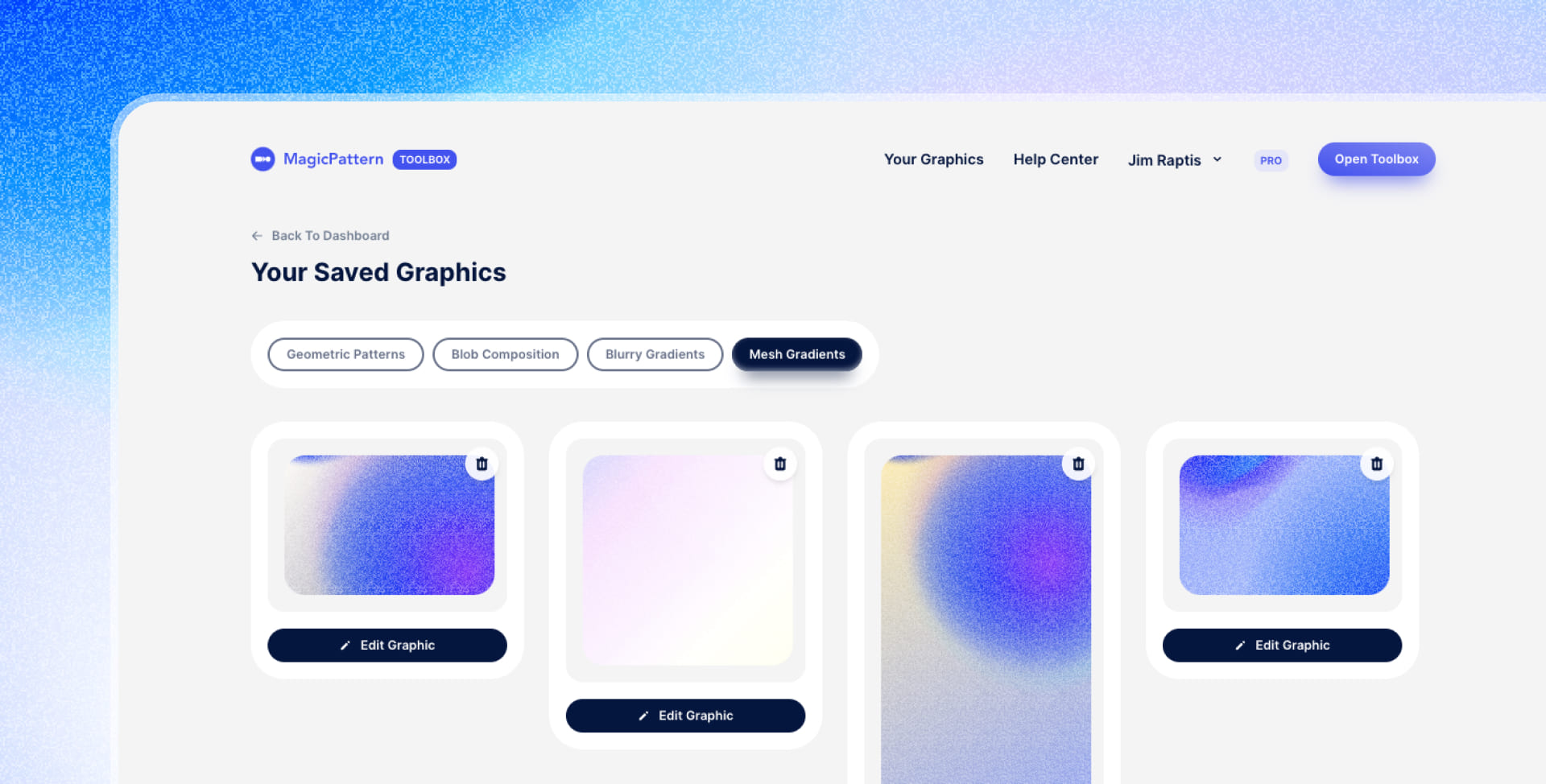
Save and reuse your favorite mesh gradients so your best creations stay available for later.
Version 2.0.12
Import Your SVG in the Seamless Pattern Tool
21 April 2021

Import your own SVG and create seamless patterns from it. SVG layers inherit the active foreground color unless you keep the original colors with image import mode.
Version 2.0.11
New Tool Announcement: Blob Compositions
13 April 2021
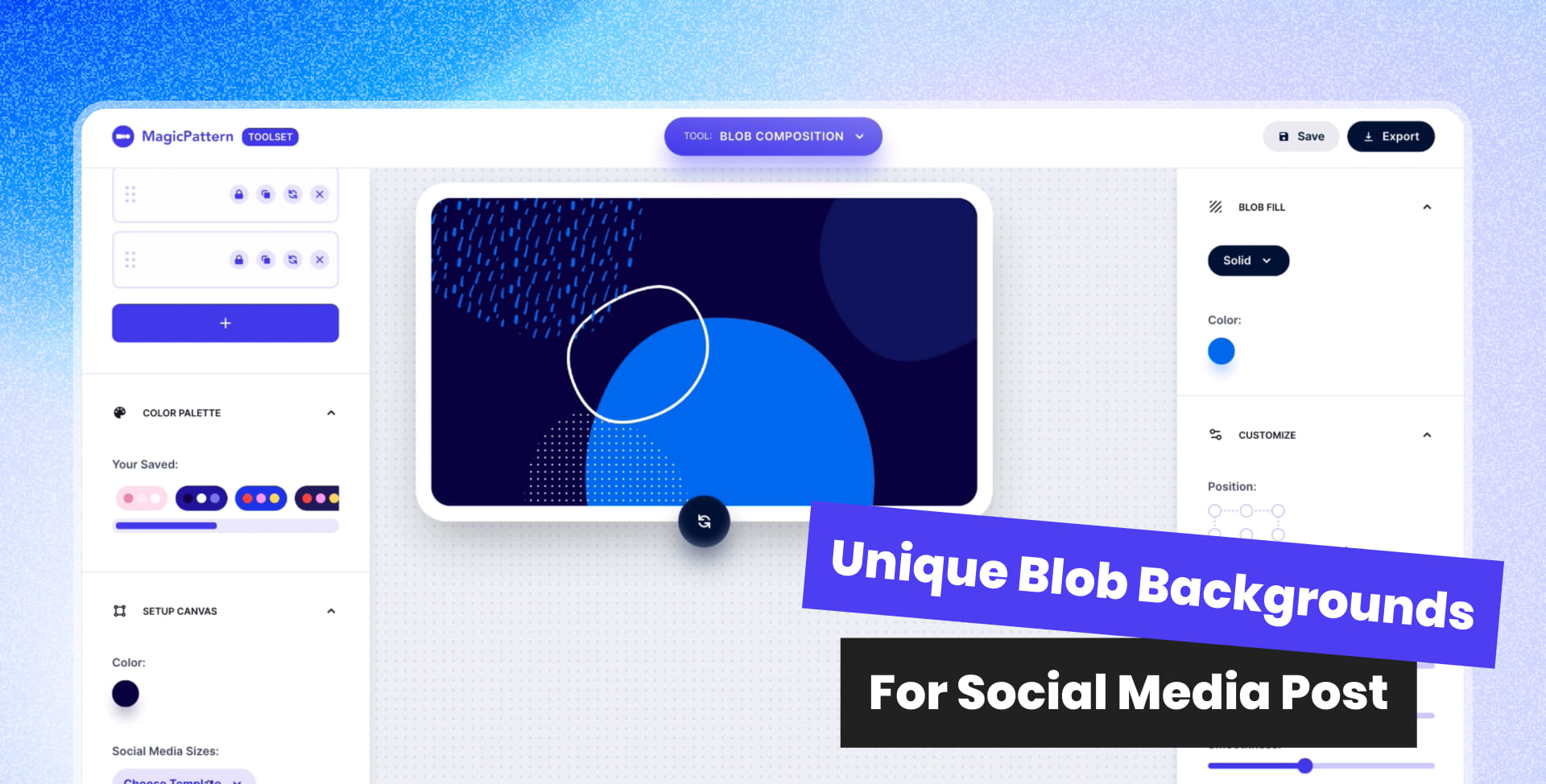
Create unique blob backgrounds in a few clicks with customizable layers, brand colors, saved graphics, Magic Resize, and one-click random generation.
Version 2.0.10
Pattern Fill for Blobs
29 March 2021

Fill blobs with seamless patterns, adjust pattern size and color, and offset the pattern behind the blob for a more abstract effect.
Version 2.0.9
Social Media Size Picker
23 March 2021

Choose popular social media sizes from Facebook, Instagram, and Twitter, then set the canvas to official post or cover dimensions.
Version 2.0.8
Positioning and Opacity for Blurry Gradients
22 March 2021

The Blurry Gradients tool now supports positioning around corners or the center of the canvas, plus opacity controls for softer gradients.
Version 2.0.7
Custom Color Palettes for Mesh Gradients
18 March 2021
Use custom color palettes in the Mesh Gradient tool and drag colors to reorder their position.
Version 2.0.6
New Gradient Tool
16 March 2021
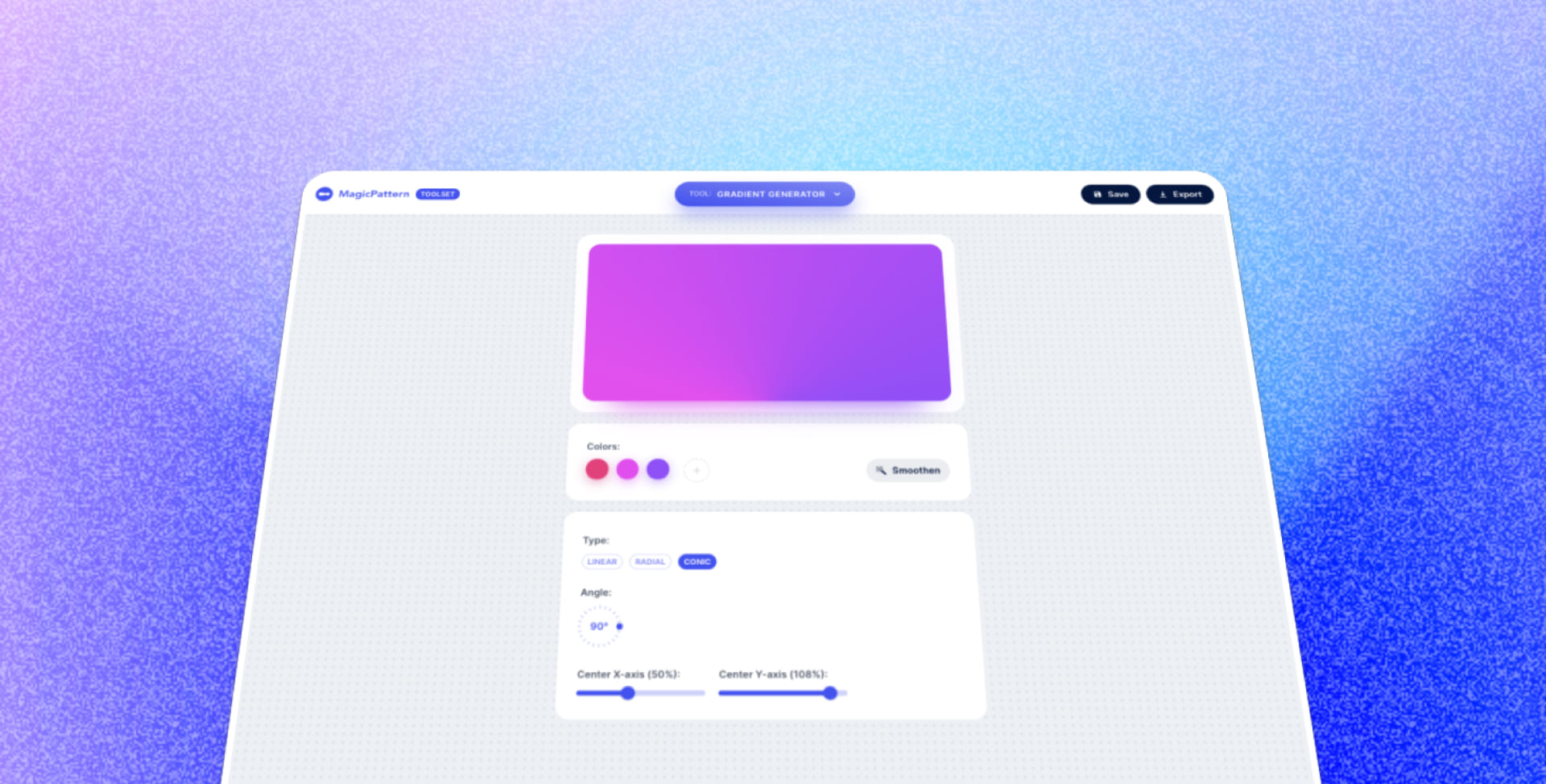
Create linear, radial, and conic gradients, share them with one click, save favorites, and generate smoother gradients without color banding.
Version 2.0.5
Outline, Gradients and Image Fill for Blobs
11 March 2021

Choose solid color, outline, gradient, or image fills for blobs. Square images fit blob shapes best.
Version 2.0.4
Custom Size for Geometric Patterns
04 March 2021
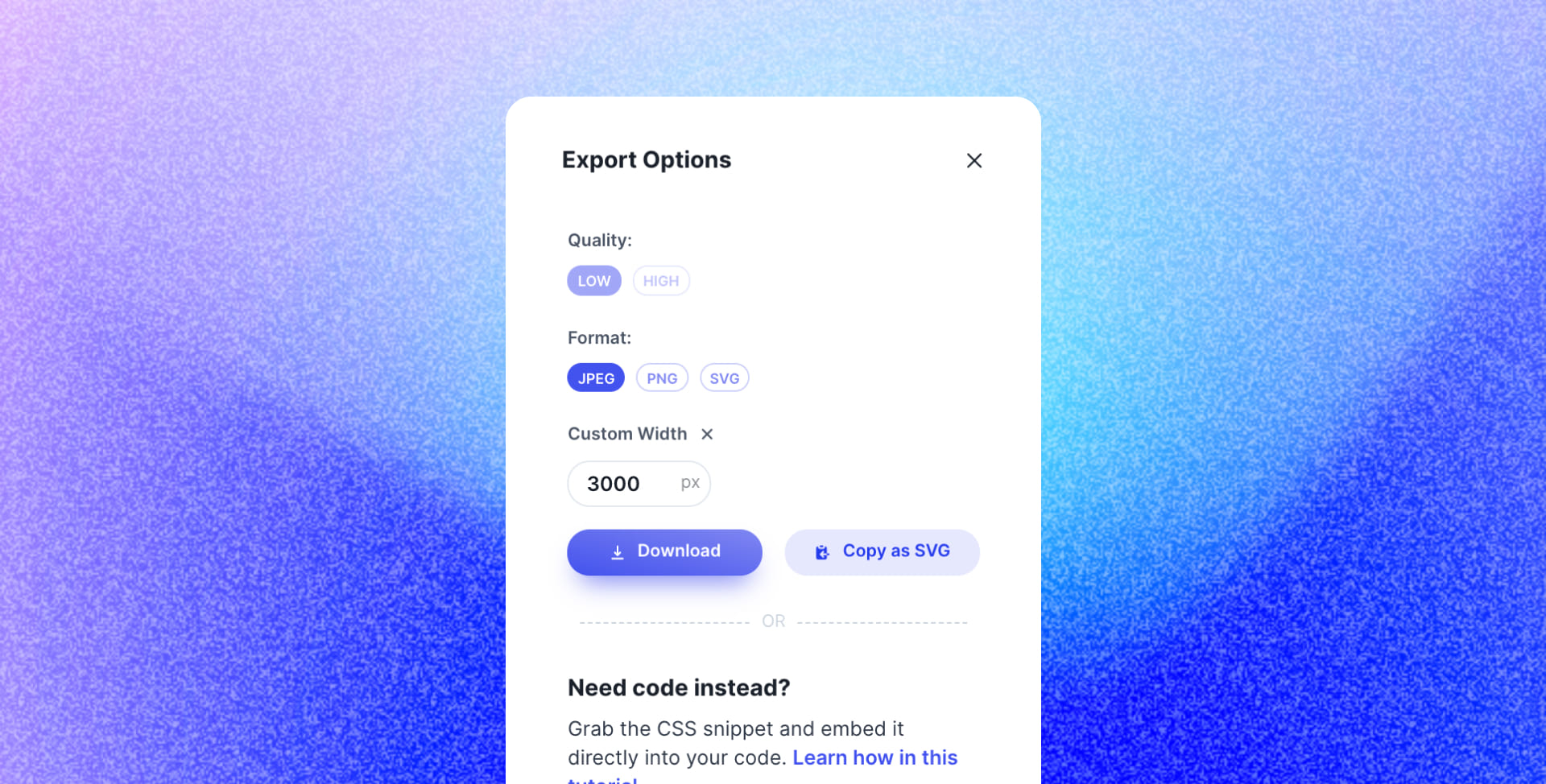
Define custom export widths for geometric patterns, use the new export popover, and export transparent backgrounds without crashes.
Version 2.0.3
New Add Grain App
25 February 2021

Add grain effects to artwork with controls for grain amount, intensity, and blending mode.
Version 2.0.2
GIF Maker Redesign
24 February 2021
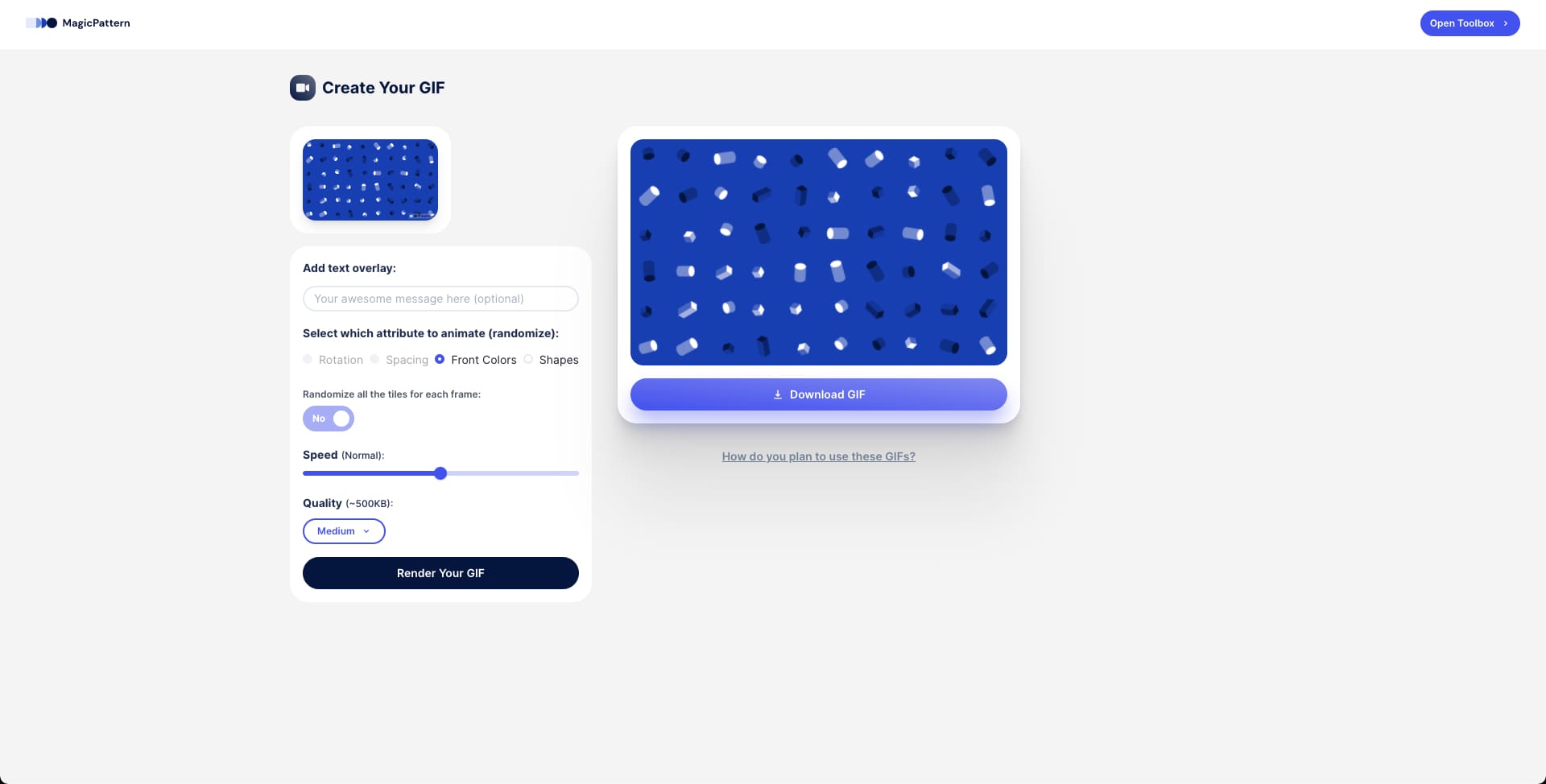
The GIF maker got a refreshed interface to match MagicPattern branding, plus fixes for randomizing attributes and duplicate export filenames.
Version 2.0.1
Randomize Pattern Attributes
13 February 2021

Randomize geometric pattern attributes such as tile rotation and spacing to make patterns feel more abstract and unique.
Version 2.0.0
MagicPattern Toolbox
31 January 2021
MagicPattern became a toolbox for visuals, bringing together geometric patterns, seamless patterns, CSS patterns, mesh gradients, blurry gradients, blob generation, and doodle backgrounds.
Version 1.0.11
More Colors per Preset
05 January 2021
Color presets now support up to 10 colors, and SVG exports were fixed for smoother Adobe Illustrator imports.
Version 1.0.10
Better Color Picker
20 December 2020

The color picker is quicker and includes tints and shades for every active color. GIF exports also gained adjustable quality options.
Version 1.0.9
150+ New Shapes
23 November 2020
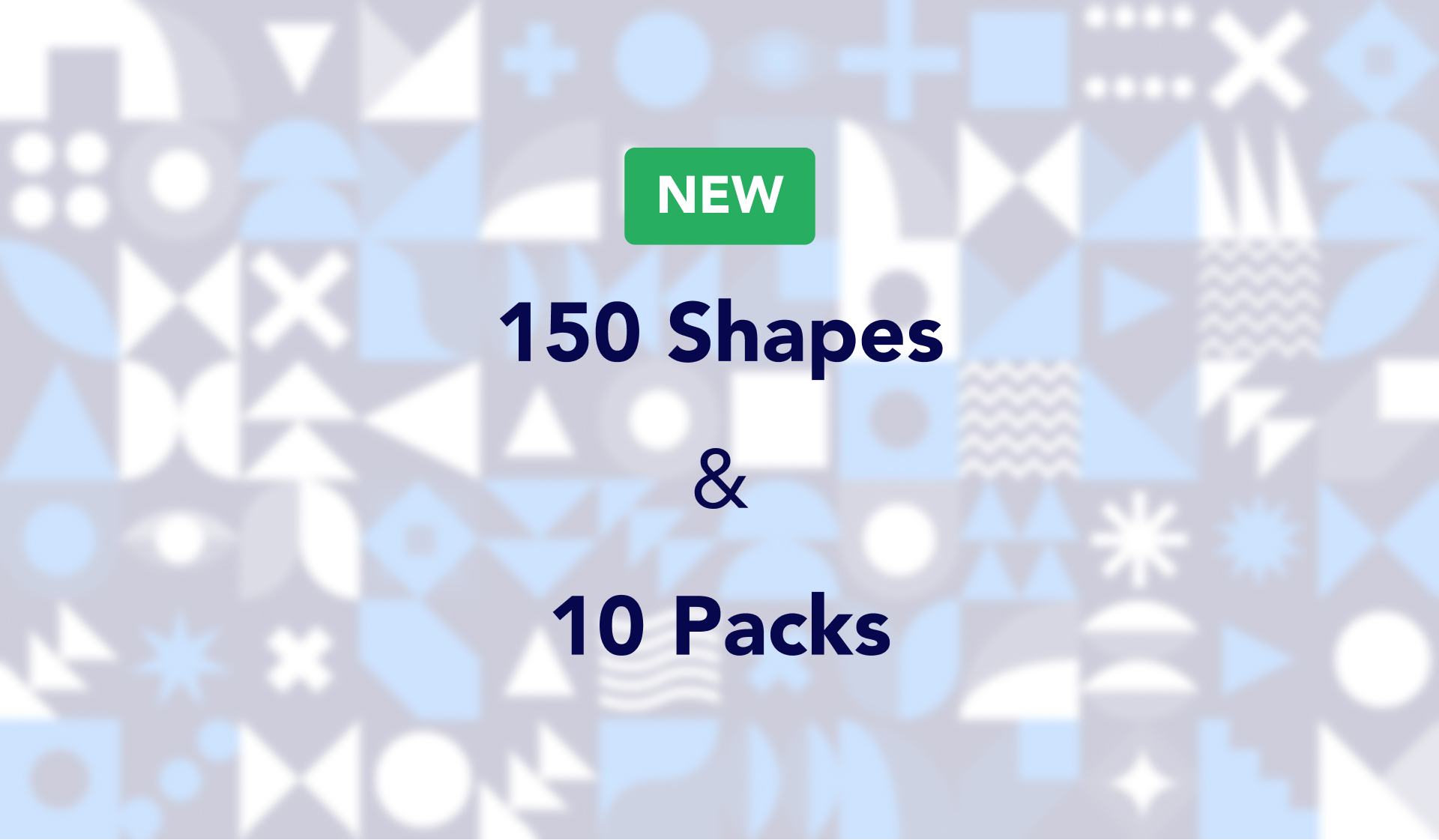
Added more than 150 geometric shapes and 10 new packs for richer pattern combinations.
Version 1.0.8
New Dynamic Grid
2 November 2020
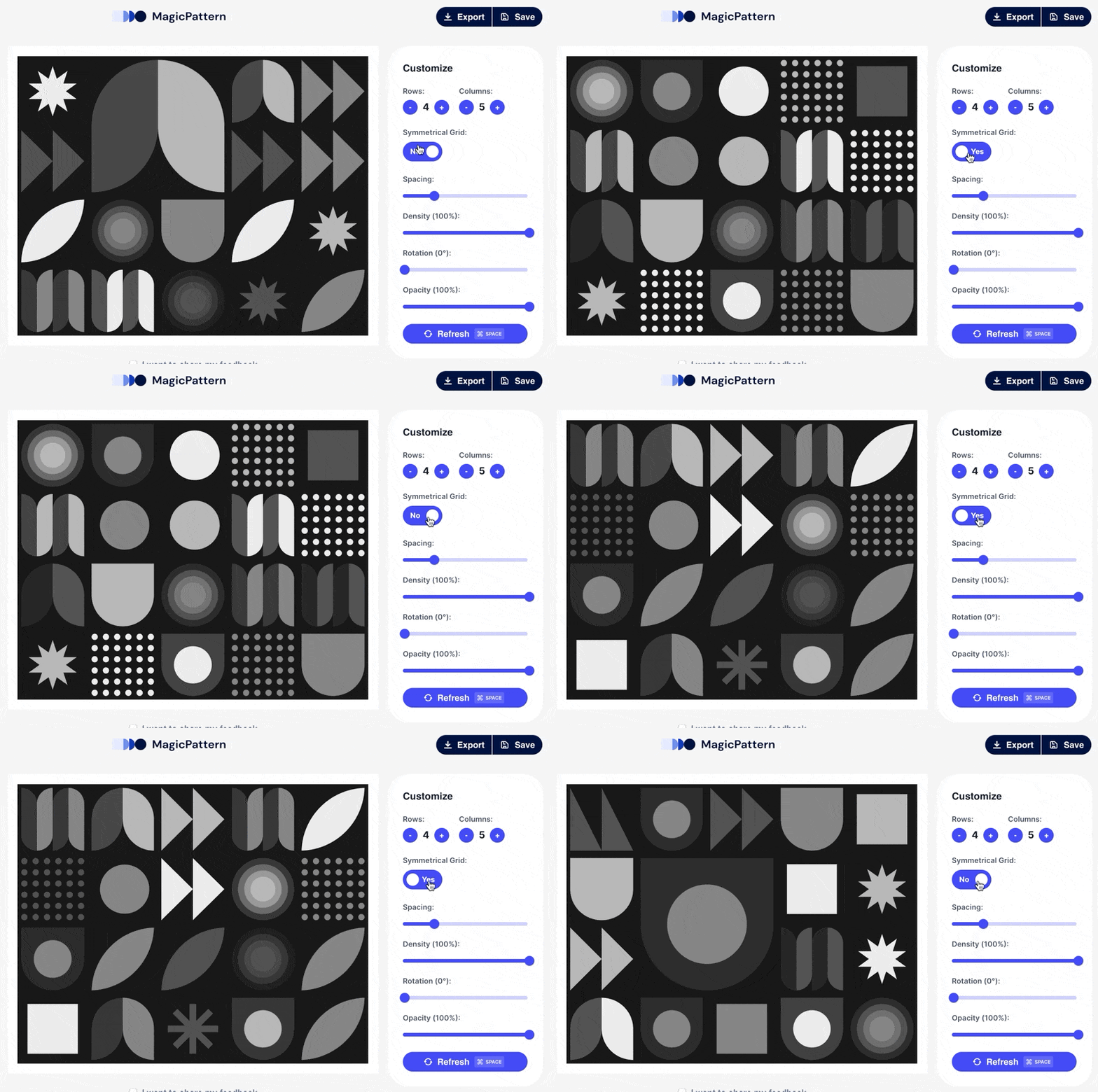
Switch from symmetrical to dynamic grids and vary tile sizes to make patterns feel more abstract and creative.
Version 1.0.7
Safari Browser Fix
27 October 2020
Fixed Safari preview inconsistencies with rotation and spacing so previews match exported patterns.
Version 1.0.6
Save Color Presets
26 October 2020

Save branding color palettes in the editor and reuse them with one click.
Version 1.0.5
Create GIFs
23 October 2020
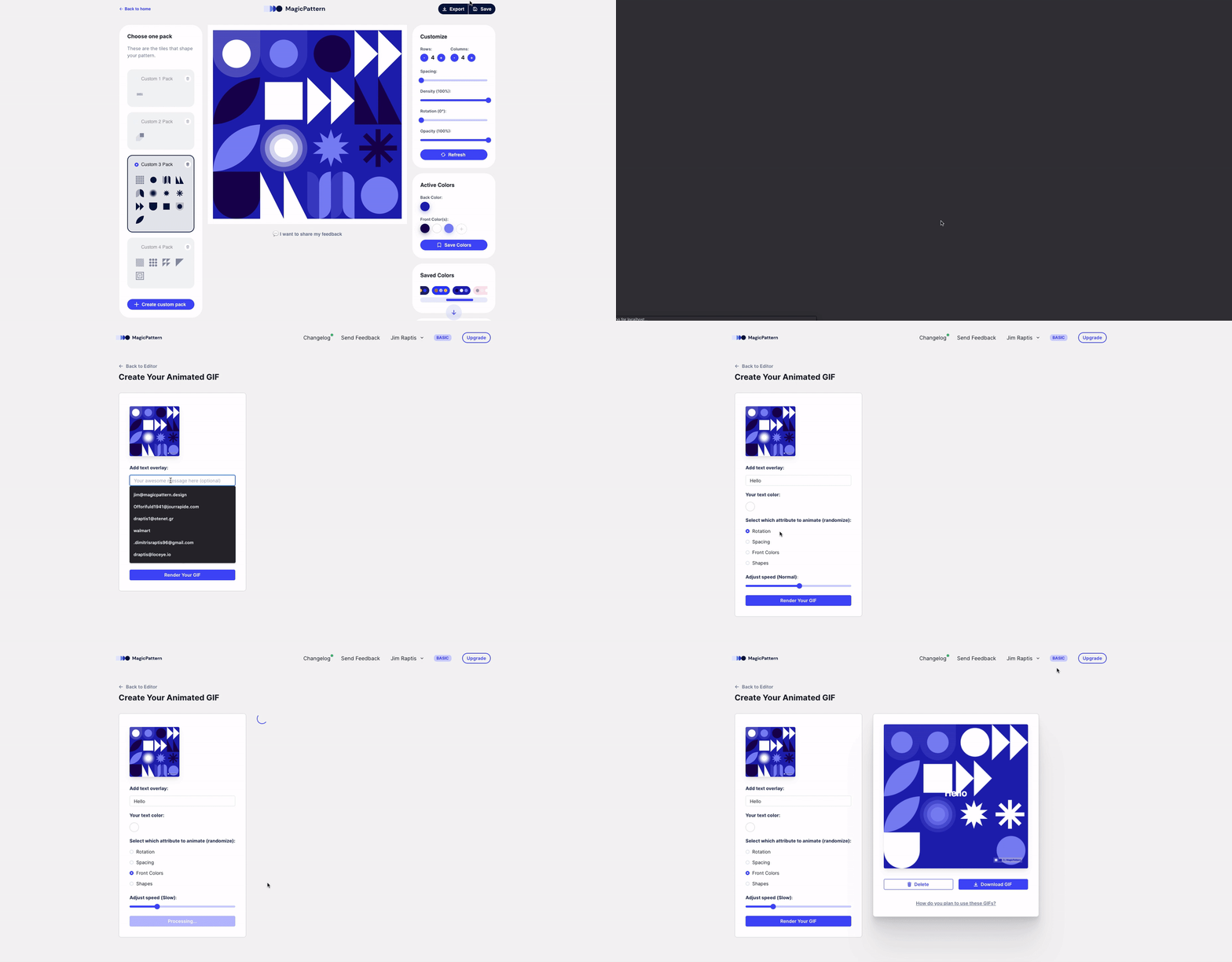
Export animated GIFs for patterns, refresh patterns with the spacebar, and upload SVG shapes without the old 100x100 viewbox restriction.
Version 1.0.4
Introduce Free Tier
12 October 2020
The free tier is enabled again, allowing visitors to view and interact with the editor with limits on customization and export options.
Version 1.0.3
Rotate Patterns
05 October 2020
Added pattern rotation, SVG copy, and fixes for spacing inconsistencies between previews and downloaded assets.
Version 1.0.2
Fix Color Bug
02 October 2020
Added a custom horizontal scrollbar on color presets and fixed a front-color selection issue that affected other colors.
Version 1.0.1
Upload Custom Packs
30 September 2020
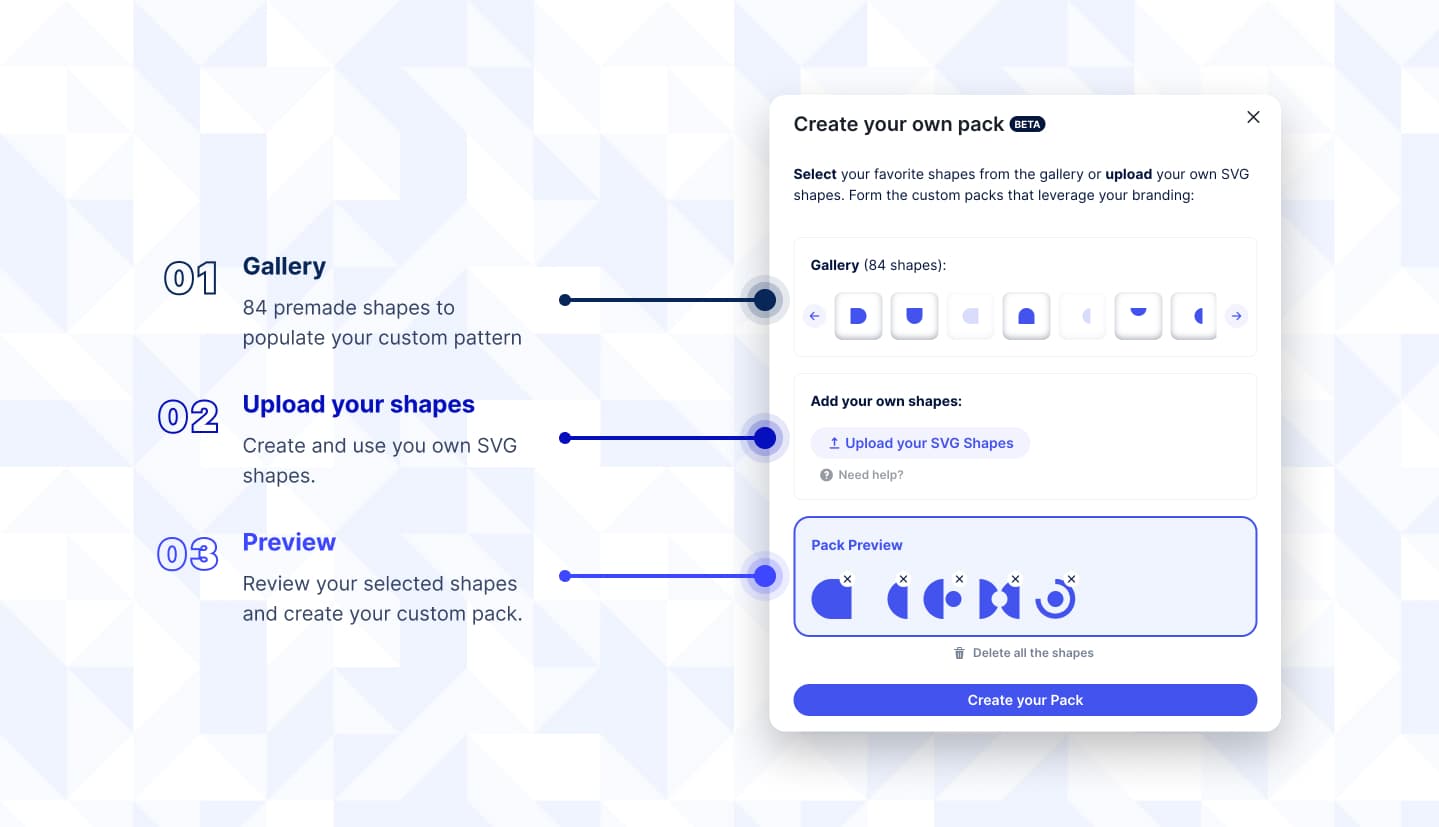
Released custom packs, introduced updated pricing tiers, and fixed reopening saved custom patterns along with performance issues.
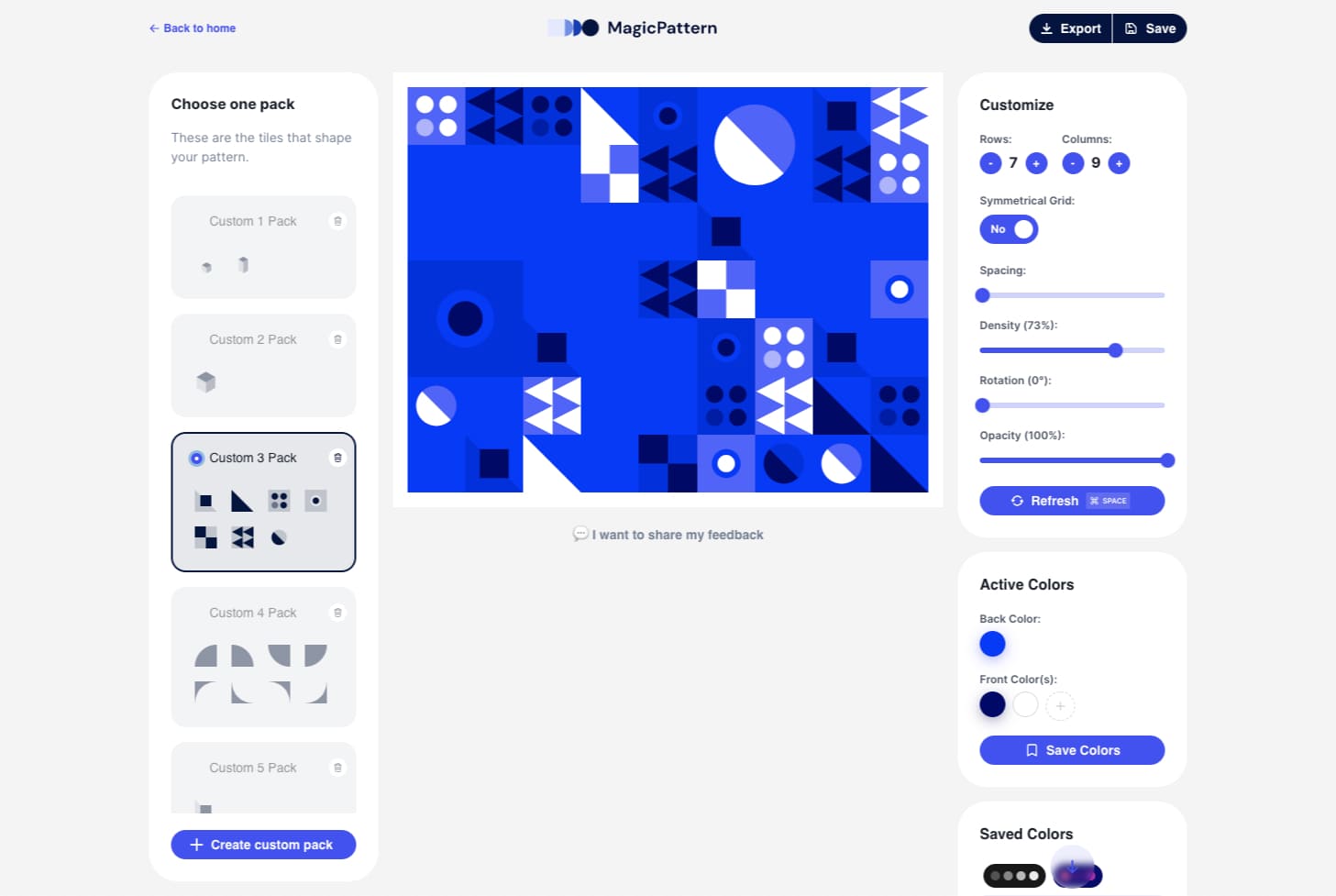
Hi fellow creator!
I'm Jim, the founder, designer & engineer behind the MagicPattern toolbox.
For many years, I was struggling to create engaging visuals for products, branding and interfaces. Their creation required pro design skills or many hours of practice.
That's why I build MagicPattern. My mission is to help people create pro graphics with no effort and no prior design knowledge.

©2026 MagicPattern. Founded by Jim Raptis



Version 2.0.17
Social Media Editor
July 2021
Create social media posts inside MagicPattern by leveraging our unique graphics. The editor includes a collection of useful tools and more features will keep arriving over time.
View update