

About the Halftone Effect Generator
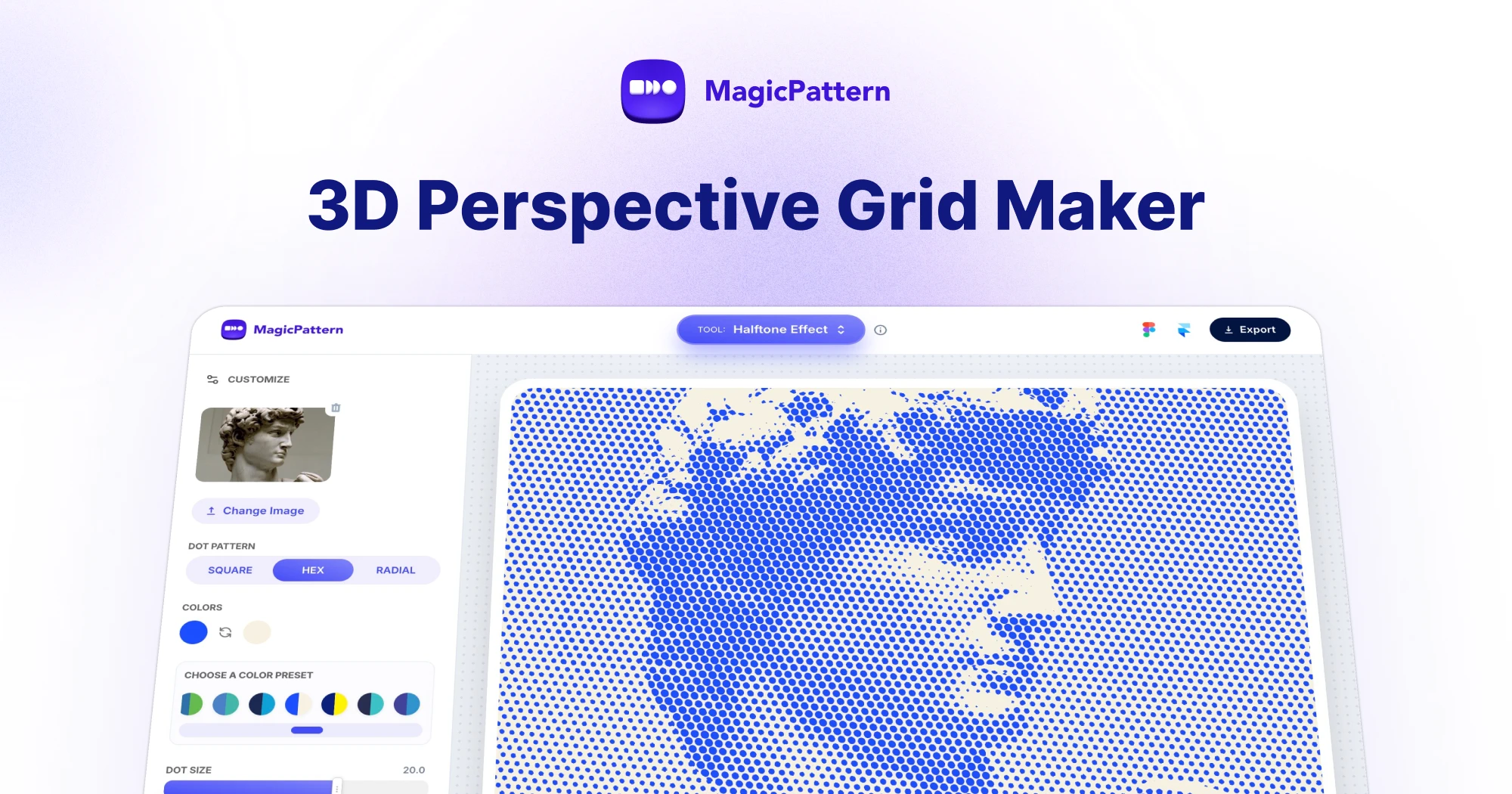
The halftone effect generator is a free online tool that turns any photo into a comic, newsprint or pop-art style halftone image in seconds.
Upload a JPG or PNG, pick an ink and paper color, dial in dot size and angle, and preview the halftone result in real time.
Apply a one-click style preset for classic newsprint, comic, sepia, pop art or risograph looks.
Export your halftone artwork as a high-quality PNG, ready for posters, album covers, social media graphics and editorial layouts.
What is a halftone effect?
A halftone effect reproduces a continuous-tone image using a grid of dots whose size or spacing varies with brightness. Darker areas use larger or denser dots, while lighter areas use smaller or sparser ones, so the eye blends the dots into smooth shading.
The technique was invented in the late 19th century so newspapers and magazines could print photographs with a single ink, and it later became a signature look in comic books, Ben-Day dot illustration and Roy Lichtenstein's pop art.
How does our halftone effect generator work?
When you upload an image, the tool measures the brightness of each region and maps it to a halftone dot on a rotated grid. You control the dot size, dot sharpness, screen angle and the ink and paper colors used in the final composite.
Pick from visual palette presets to instantly switch the look, then fine-tune the sliders to match your design.
Halftone effect vs CMYK halftone: which should I use?
Use this halftone effect generator when you want a stylized, monochrome look - posters, comic panels, newsprint illustrations and pop art. It works with a single ink color on a paper background.
If you need full-color print reproduction with cyan, magenta, yellow and black dot screens at different angles, use the dedicated MagicPattern CMYK Halftone Generator at /tools/cmyk-halftone instead.
What is a halftone generator?
A halftone generator turns a photo or image into artwork made from dots. The dots vary in size or spacing to simulate shading, creating the classic comic, newsprint, poster and pop art halftone effect.
How is this halftone generator different from a CMYK halftone tool?
This halftone generator creates a stylized two-color effect using one ink color on a paper color, which is ideal for comic panels, newsprint textures, posters and pop art graphics. A CMYK halftone tool separates the image into cyan, magenta, yellow and black print channels for full-color offset-print simulation.
How do I turn a photo into a halftone effect?
Upload a JPG or PNG, choose a color preset or set your own ink and paper colors, then adjust dot size, sharpness, screen angle and dot pattern. The halftone preview updates in real time and can be exported as a high-quality PNG.
Is the halftone generator free?
Yes. The halftone generator is free to use in your browser with no signup required. You can export halftone images for personal and commercial projects, including posters, album art, social media graphics and editorial layouts.