

About the Shader Gradient Background Generator
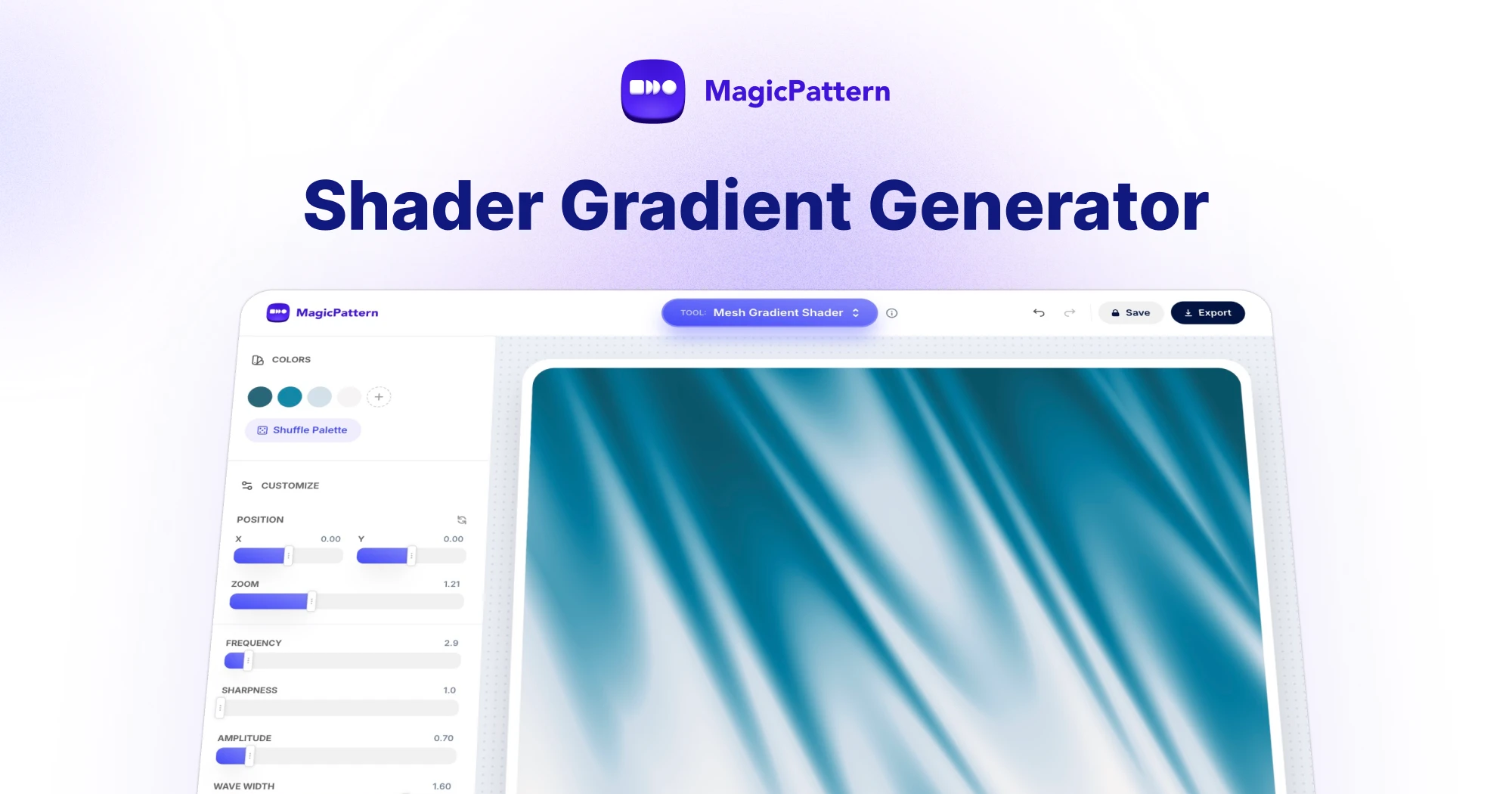
The Shader Gradient Background generator is a free online tool for creating still and animated shader-style gradient backgrounds right in your browser — no WebGL or GLSL coding required.
Pick your brand colors, tune the wave distortion, dithering, film grain and vignette, then export a unique gradient background as a high-quality PNG/JPG image or looping MP4/WebM video.
Perfect for website hero sections, landing pages, app backgrounds, posters, presentations, album art, Spotify canvases and social media graphics.
What is a shader gradient background?
A shader gradient background is a generative, WebGL-powered visual that blends multiple colors with wave distortion, retro Bayer dithering and film grain. Unlike a flat CSS gradient, a shader gradient feels organic and tactile — the colors warp, fold and streak into liquid, silk and grainy looks, giving websites and brand visuals a premium, modern feel in still images or animated loops.
How to create a shader gradient background?
Creating a shader gradient background takes seconds:
1. Choose 2–6 colors or shuffle curated palettes
2. Adjust wave frequency, amplitude and distortion
3. Dial in dithering, grain and vignette for texture
4. Switch to Video mode for a looping animation
5. Export as a high-resolution PNG/JPG image or MP4/WebM video
Start from a curated preset — liquid, silk, streaked or grainy — and tweak it until it matches your brand.
What makes dithered and grainy gradients popular?
Dithered gradients use a Bayer pattern to quantize colors into stylish retro bands, while film grain adds a tactile, analog texture. Combined with soft mesh-style color blending, they avoid the sterile look of plain gradients — which is why grainy, noisy gradient backgrounds are everywhere in modern SaaS branding, posters and album covers.
Where can I use these gradient backgrounds?
Use exported shader gradients as hero backgrounds for websites and landing pages, Zoom and desktop wallpapers, mobile app onboarding screens, YouTube thumbnails, Spotify canvases, pitch decks and printed posters. Animated MP4/WebM exports are built for looping brand videos, social posts and motion backgrounds. Every export is royalty-free for personal and commercial projects.
What is a shader gradient background?
A shader gradient background is a WebGL-powered image that blends multiple colors with wave distortion, Bayer dithering and film grain to create organic looks like liquid, silk, streaked and grainy gradients. Unlike flat CSS gradients, shader gradients warp and fold, giving websites and brand visuals a premium, generative feel.
What kinds of gradients can I create?
You can create liquid and liquid-metal gradients, flowing silk and satin looks, streaked and wave-warped bands, grainy textured gradients and soft mesh-style color blends. Start from a curated preset, build your own look from scratch, or animate it as a looping shader video.
Can I use my own brand colors?
Yes. Add 2-6 custom hex colors to match your brand palette, or shuffle through curated color palettes for instant inspiration. Every control — wave, warp, dithering, grain and vignette — updates the gradient live.
What is the difference between a mesh gradient and a shader gradient?
Mesh gradients are soft, multi-point color blends — best exported as scalable SVG with our mesh gradient generator. Shader gradients add wave distortion, streaks, retro dithering and film grain on top, producing a generative WebGL look that can be exported as a high-resolution PNG/JPG image or a looping MP4/WebM video.
What export formats are supported?
You can export your shader gradient background as a high-quality PNG or JPG image, copy it straight to your clipboard to use in Figma, Canva, slides or any design tool, or export an animated shader gradient as a looping MP4 or WebM video. SVG export is not available for shader gradients.