

Color Palette Generator
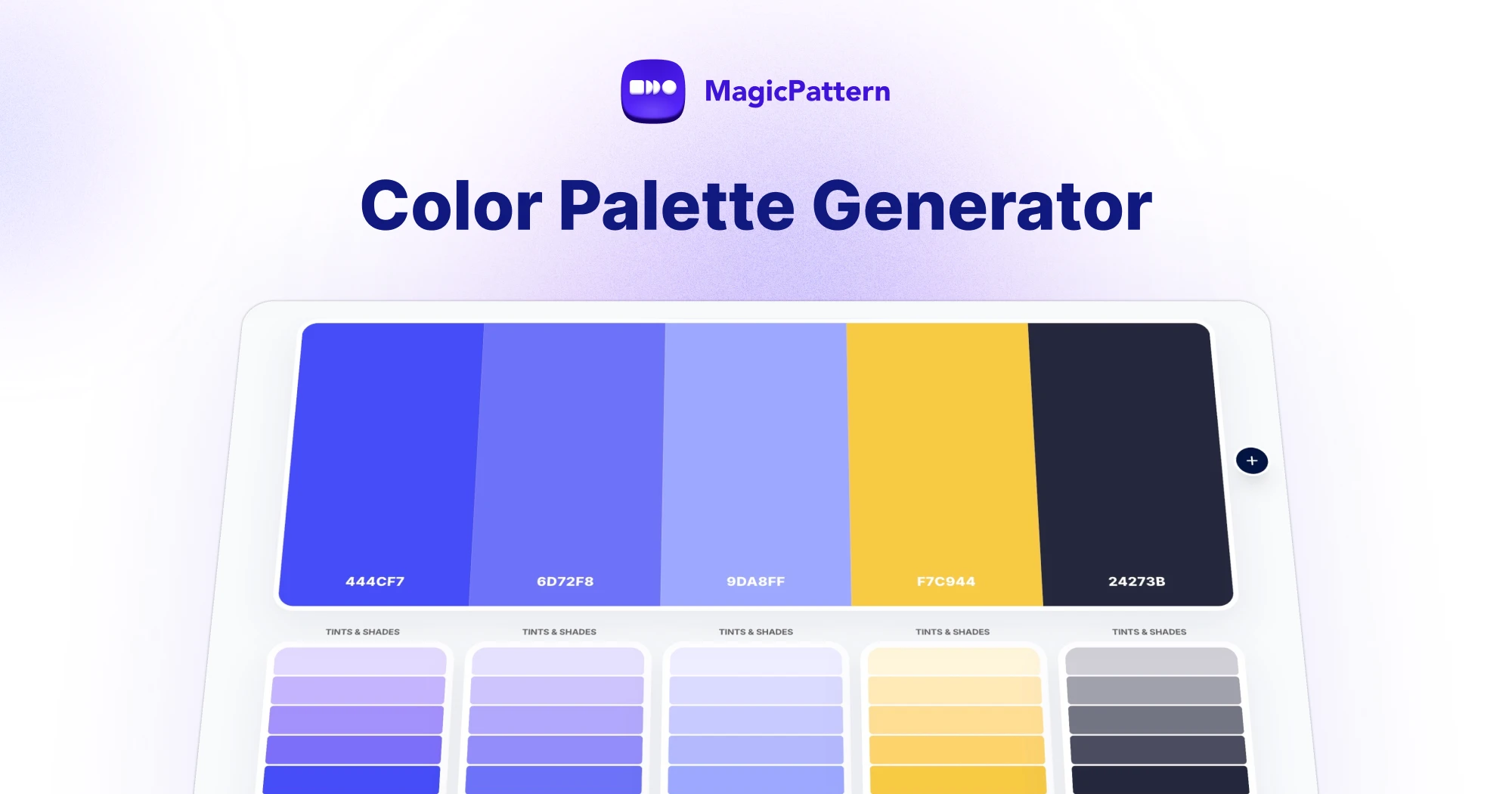
The Color Palette Generator creates beautiful color palettes in seconds. Press the spacebar or hit Generate to explore random color combinations, lock the colors you want to keep, and keep generating until the palette feels right.
Every color comes with tints and shades, one-click hex copying, duplication and editing — and finished palettes can be saved locally or exported as CSS variables, JSON, CSV, SVG or a PNG image.
Generate random color palettes and lock your favorites
Random palette generation works like a slot machine for color: each press of the spacebar produces a new combination built on color harmony rules, so the results look intentional instead of chaotic.
Lock any color to pin it in place — locked colors survive every regeneration, which makes it easy to build a palette around a brand color or a hue you already love.
Color harmony types: analogous, complementary, triadic and more
Choose how palettes are generated with seven harmony modes. Analogous palettes use neighboring hues on the color wheel for a calm, cohesive look. Monochromatic palettes vary the lightness and saturation of a single hue. Complementary palettes pair opposite hues for maximum contrast, while split-complementary softens that contrast with two adjacent opposites.
Triadic palettes pick three hues evenly spaced around the color wheel, and tetradic palettes use four. Auto mode picks a harmony at random so every generation feels fresh.
Tints and shades for every color
Open the tints and shades panel on any swatch to see lighter tints (mixed with white) and darker shades (mixed with black) of that color. Click any variation to swap it into the palette — perfect for fine-tuning contrast between neighboring colors.
Save palettes and export to CSS, JSON, SVG or PNG
Saved palettes are stored locally in your browser, so you can come back to them anytime without an account. You can also import a palette directly from the URL with a colors parameter like ?colors=444CF7,6D72F8,9DA8FF.
Export the current palette as CSS custom properties, JSON, CSV or SVG, copy individual hex codes with one click, share a URL for the current palette, or download the whole palette as a PNG image for moodboards and brand guidelines.
How do I generate a random color palette?
Press the spacebar or click Generate to create a new palette instantly. Each palette is built on color harmony rules, so random combinations still look intentional and balanced.
Can I lock colors while generating palettes?
Yes. Click the lock icon on any color to keep it fixed. Locked colors stay in place every time you regenerate, so you can build a palette around your brand colors.
What color harmony types can I use to create palettes?
You can generate analogous, monochromatic, complementary, split-complementary, triadic and tetradic palettes, or use Auto mode to pick a random harmony each time.
Can I see tints and shades of a color?
Yes. Every color has a tints and shades panel showing lighter and darker variations. Click any variation to replace the original color in your palette.
How do I save my color palettes?
Click Save to store the palette locally in your browser — no account needed. Saved palettes can be reloaded, copied or deleted anytime from the saved palettes list.
Can I import a color palette from a URL?
Yes. Add a colors parameter to the URL with comma-separated hex values, such as /tools/color-palette-generator?colors=444CF7,6D72F8,9DA8FF. The generator also has a Share button that copies this URL format for the current palette.
Can I export the palette as hex codes or CSS?
Yes. Copy individual hex codes with one click, or export the full palette as CSS variables, JSON, CSV, SVG or a PNG image in hex, RGB, HSL, OKLCH or Lab format.
Is the color palette generator free?
Yes. The color palette generator is free to use online with no signup required.