

About the Color Tint & Shades Generator
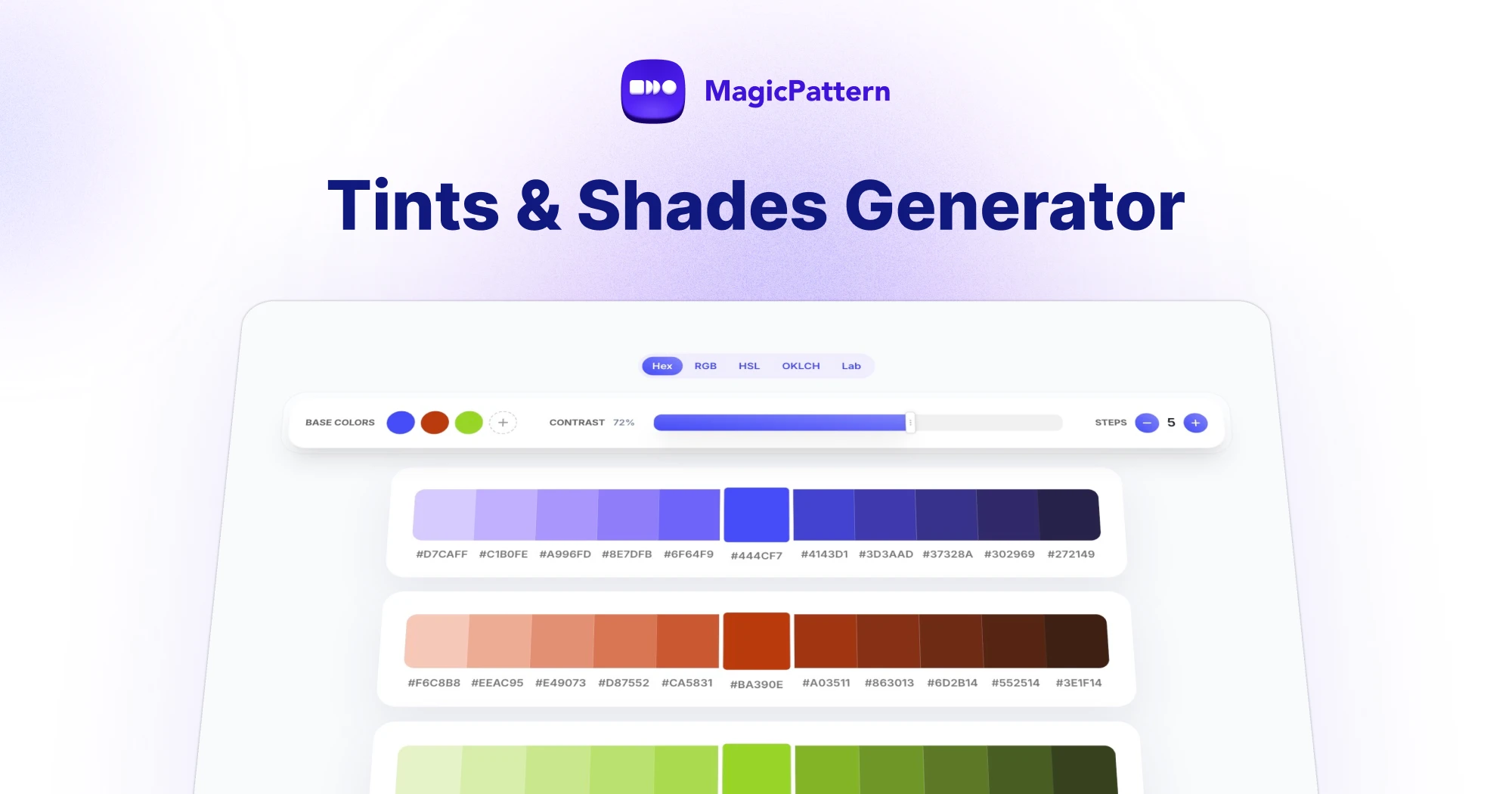
The Color Shades Generator turns one base color into a practical scale of tints, shades and intermediate values.
Use it to build consistent UI states, brand color systems, CSS variables and gradient-ready color sets.
Generate tints, shades and scales
Pick a base color, choose a scale mode, then copy individual colors, the full hex list, CSS variables or JSON for design systems.
What is the difference between a tint and a shade?
A tint is made by mixing a color with white, while a shade is made by mixing it with black. Together they create a usable color scale from one base color.
How do I generate shades from one color?
Enter a base color and the generator creates lighter tints, darker shades and balanced intermediate colors that can be copied into your design system.
Can I copy CSS variables?
Yes. The tool is planned to support copy options for hex values, RGB, HSL and CSS variables so the generated scale can be used in frontend projects.
Can I use the colors commercially?
Yes. Generated color scales can be used in personal and commercial projects, including websites, products, branding and marketing graphics.