

About the Color Palette Generator From Image
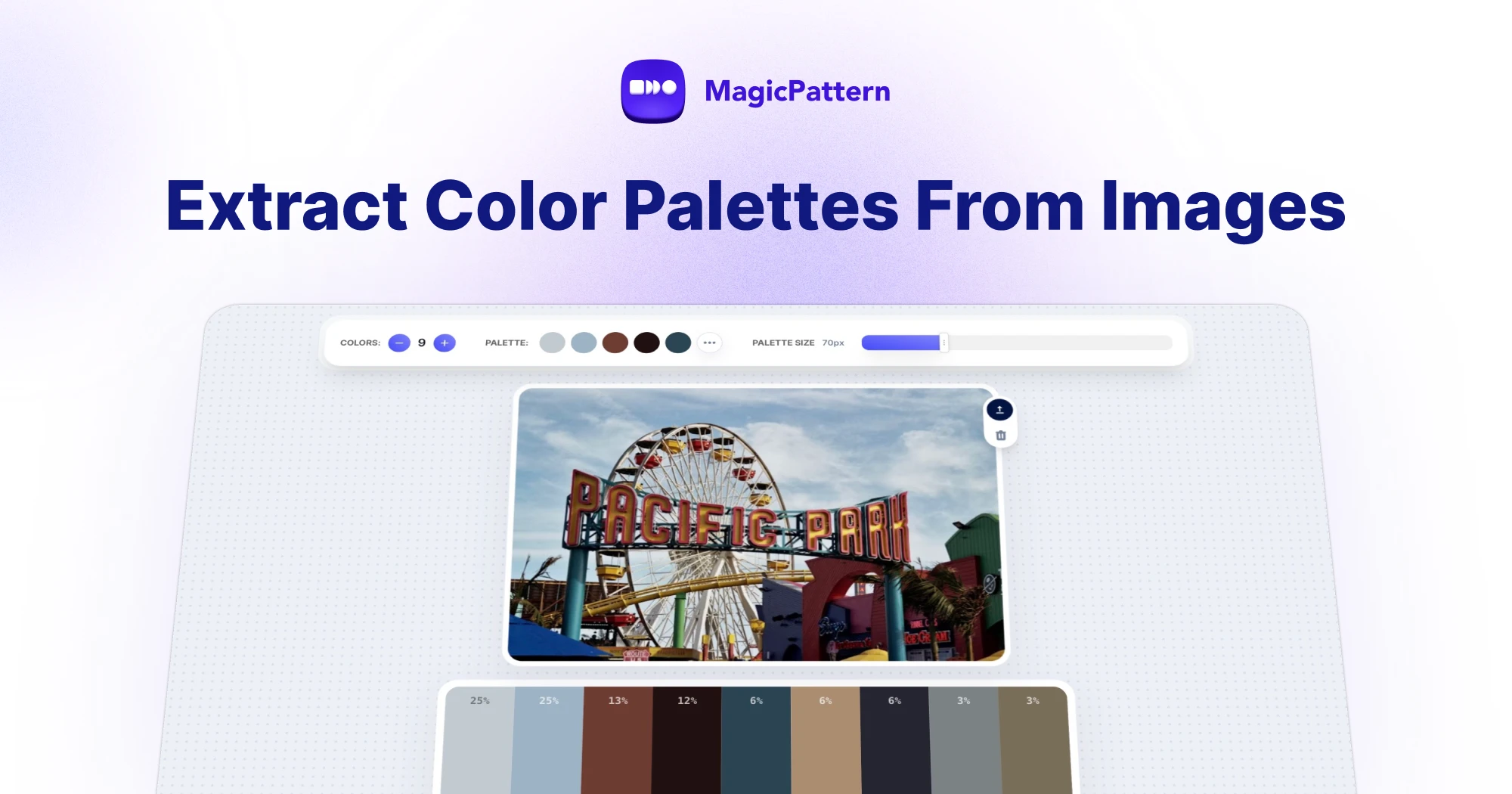
The Color Palette Generator From Image extracts the dominant colors from any photo, illustration, logo or screenshot — right in your browser.
Upload a JPG, PNG, GIF or WebP image, paste it from your clipboard or pick a sample photo. The tool analyzes the pixels and builds an editable color palette you can copy as hex, RGB, HSL, OKLCH or Lab values.
How to extract a color palette from an image
1. Upload any image, or paste it straight from your clipboard
2. Choose how many colors to extract — from 2 up to 12
3. Fine-tune any swatch with the built-in color picker
4. Click a swatch to copy its value, or export the whole palette as CSS variables, JSON, CSV, SVG or a PNG image
What can I do with an extracted color palette?
Image-based palettes are perfect for building brand color systems from logos and photography, matching UI colors to artwork, generating gradients and backgrounds from a mood image, and keeping illustrations consistent with existing visuals.
Because every extracted color is editable, you can nudge swatches toward your brand colors before exporting them to your design system.
Is the image color extractor free and private?
Yes. The tool is completely free and your images never leave your device — all color analysis happens locally in your browser, so nothing is uploaded to a server.
Other names for this tool
Designers also call this an image color picker, dominant color extractor, photo color scheme generator or color grabber. Whatever the name, it turns any picture into a usable color palette in seconds.
How do I extract a color palette from an image?
Upload an image, paste it from your clipboard or pick a sample photo. The tool analyzes the pixels in your browser and extracts the dominant colors into an editable palette. Click any swatch to copy its hex, RGB, HSL, OKLCH or Lab value.
What image formats are supported?
The image palette extractor works with standard JPG, PNG, GIF and WebP images. You can drag and drop a file, click to upload or paste an image directly from your clipboard.
How many colors can I extract from an image?
You can extract between 2 and 12 dominant colors from any image. Around 5-8 colors is usually enough for branding, UI design and gradient work.
Can I edit the extracted color palette?
Yes. Every extracted color is editable with a built-in color picker, and you can remove swatches you don't need. Export the final palette as CSS variables, JSON, CSV, SVG or a PNG image.
Are my images uploaded to a server?
No. All color extraction happens locally in your browser using the canvas API, so your images never leave your device.