

About the CSS Background Pattern Editor
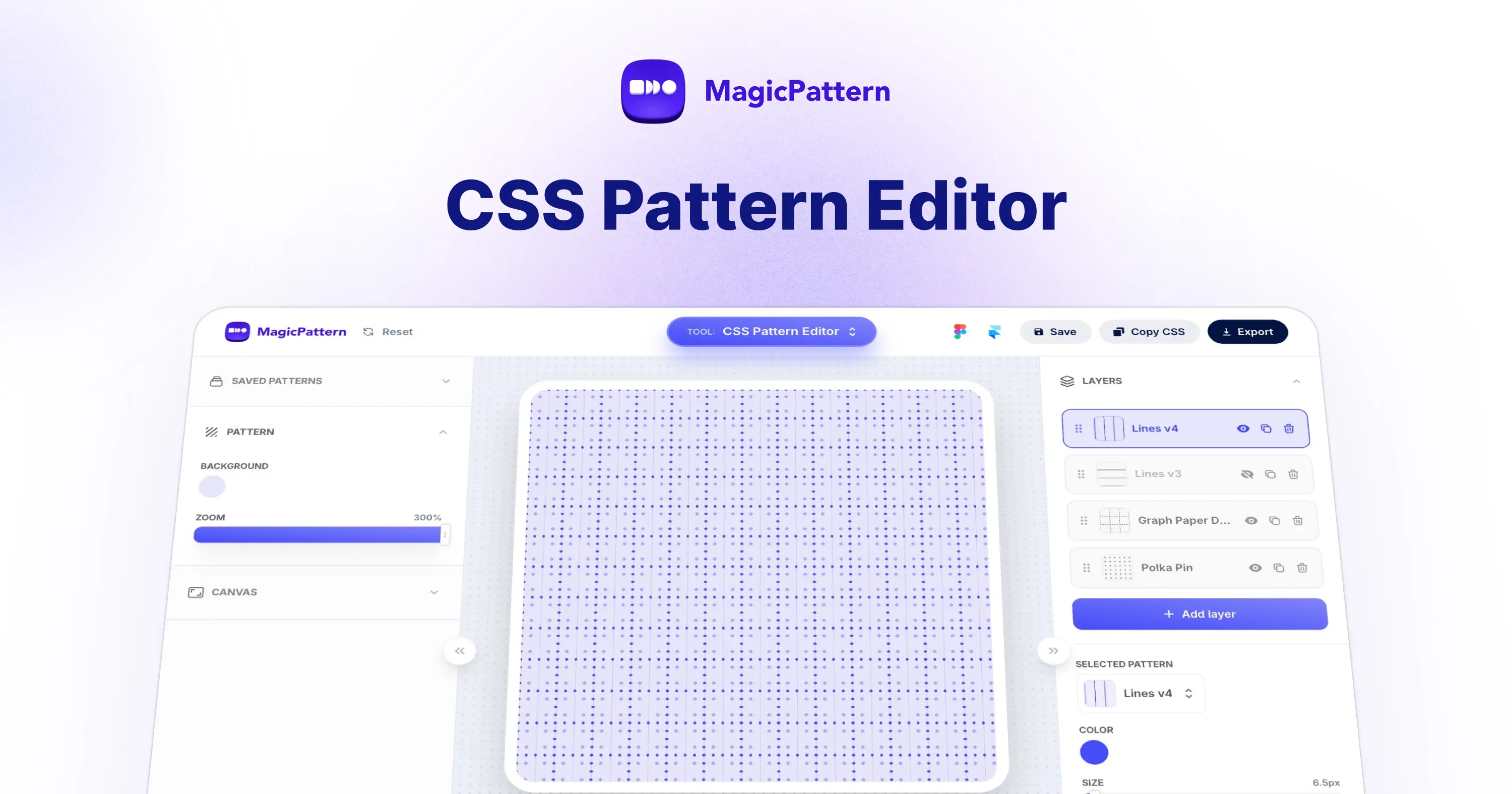
The MagicPattern CSS Pattern Editor is a free online tool for designing layered CSS background patterns. Pick a base pattern, stack multiple pattern layers, tweak each layer, and copy the final CSS. No image files required.
What is a CSS pattern editor?
A CSS pattern editor is an online tool that lets you visually design background patterns using pure CSS. With MagicPattern's editor you can pick a base pattern, stack multiple pattern layers, tweak colors, size, rotation and opacity, and copy the generated CSS straight into your project.
How do I layer multiple CSS background patterns?
CSS lets you stack multiple backgrounds on a single element by comma-separating values in the background property. The CSS pattern editor handles the layering for you: add as many pattern layers as you need, reorder them, and the tool outputs a single, production-ready background declaration you can paste into your stylesheet.
Can I customize CSS pattern colors, size, rotation and opacity?
Yes. Every layer exposes controls for foreground and background colors, pattern size, rotation angle and per-layer opacity. Changes update live in the preview so you can fine-tune the look before copying the final CSS.
How do I export or copy the generated CSS?
Click the Copy CSS button to copy the full background declaration to your clipboard. Paste it into your stylesheet and apply it to any element — for a full-page background, apply it to the body or a fixed-position container with 100% width and height.
Are CSS patterns better than background images?
CSS background patterns are usually a better choice than raster images. They add zero HTTP requests, scale infinitely without pixelation, are trivial to recolor or resize, and typically use less bandwidth than equivalent image files — which helps both page speed and Core Web Vitals.