

About the CMYK Halftone Generator
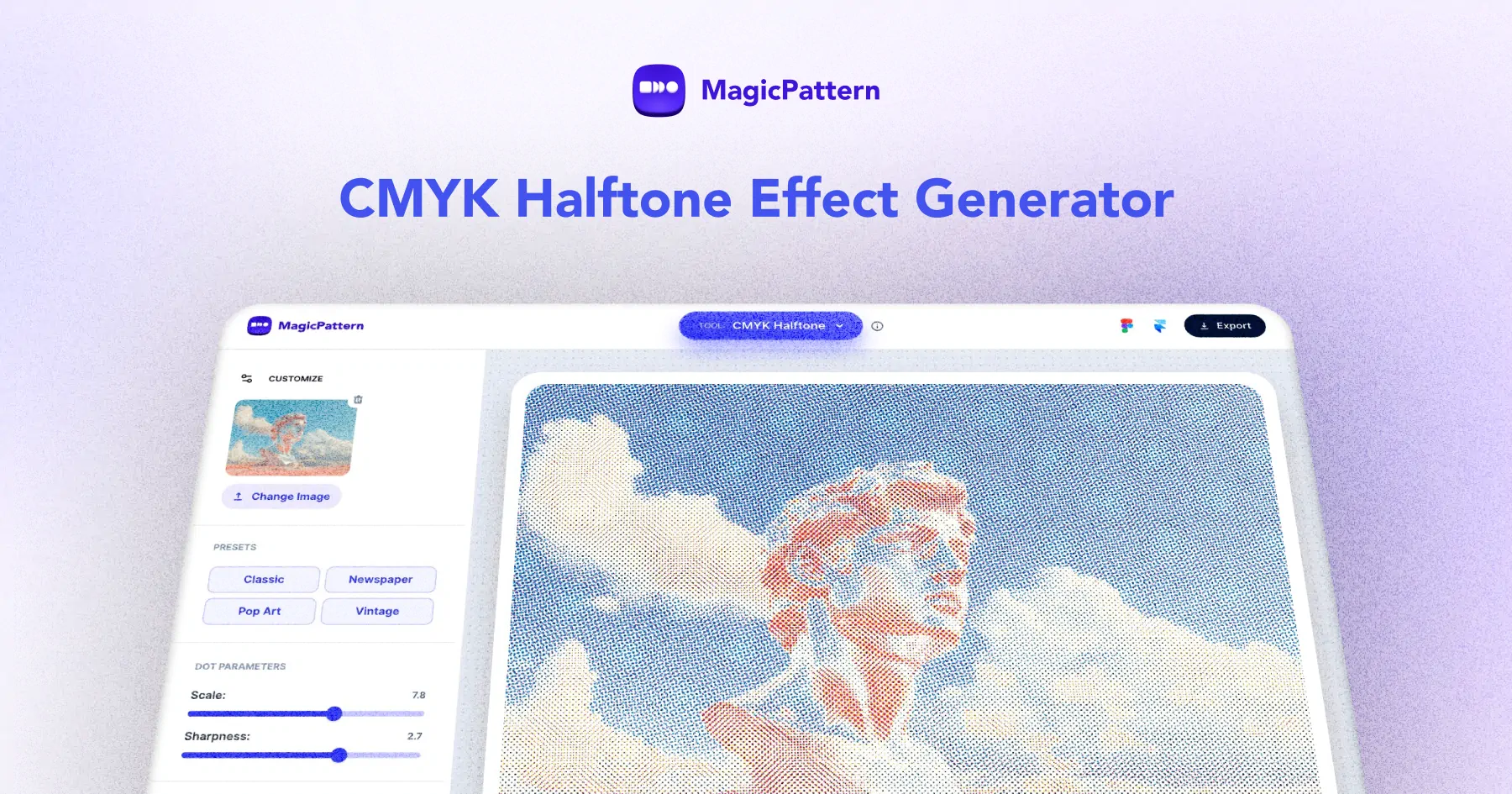
The CMYK halftone generator is a free online tool that transforms your images into stunning print-style halftone artwork using the classic CMYK color separation process.
Simulate real offset printing with individual dot screens for Cyan, Magenta, Yellow, and Key (black) channels, each at customizable angles to avoid moiré patterns.
Perfect for designers, illustrators, and print enthusiasts who want to create authentic halftone effects with full control over dot scale, sharpness, and channel blending.
What is CMYK halftone and how does it work?
CMYK halftone is a printing technique that reproduces full-color images using four ink channels: Cyan, Magenta, Yellow, and Key (black). Each channel is printed as a pattern of dots at a specific angle. By varying the size of these dots, the technique simulates continuous tones. This tool lets you control each channel's screen angle, dot size, and sharpness to achieve authentic print-style effects.
How to use the CMYK halftone generator?
Upload an image or choose a demo, then adjust the dot scale, sharpness, and individual channel angles (C, M, Y, K) to fine-tune the halftone effect. Toggle paper white background for a realistic print look, and switch between multiply and subtractive blending modes. Export your result as a high-quality PNG.
What is a CMYK halftone effect?
A CMYK halftone effect simulates traditional print reproduction by breaking an image into cyan, magenta, yellow and black dots of varying size, angle and frequency. It is widely used in posters, comic-book art and editorial design.
How do I create a CMYK halftone from my own image?
Upload any JPG or PNG into the generator, then adjust the cyan, magenta, yellow and black channels independently. You can change dot size, angle and density per channel and download a high-resolution image.
Is the CMYK halftone generator free to use?
Yes. The CMYK halftone generator is completely free to use in your browser. There is no signup required to create and export halftone images for personal or commercial projects.
Can I use halftone images for commercial work?
Yes. Images you upload remain yours, and the halftone output can be used in commercial posters, merchandise, editorial layouts, album covers and social media graphics.