

About the CSS Gradient Generator
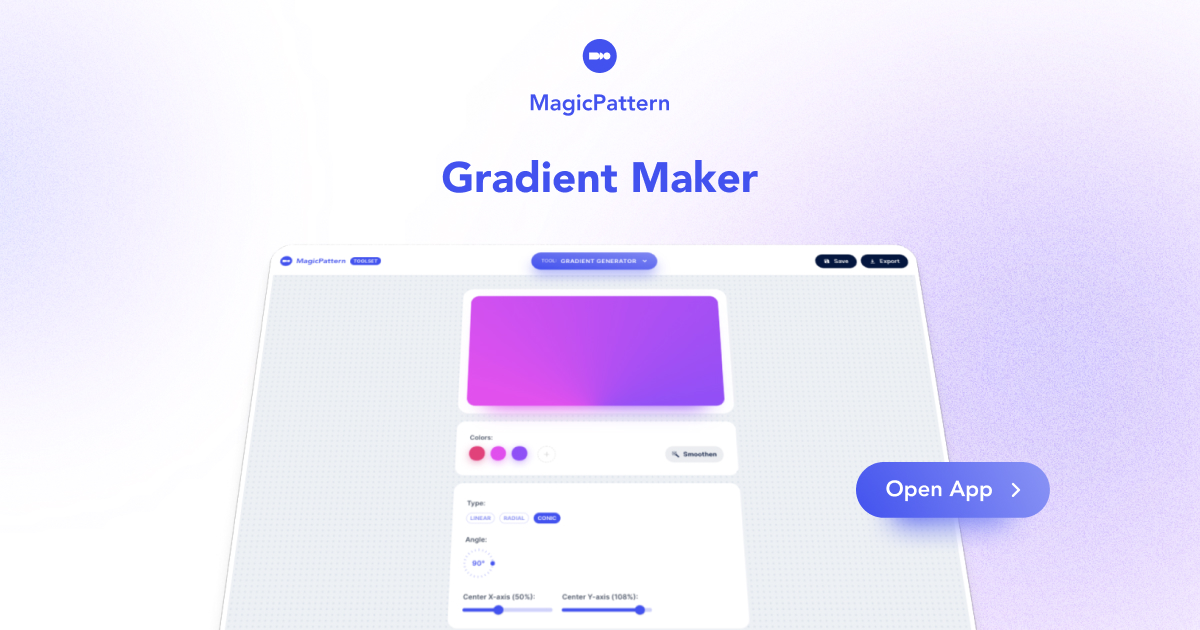
The free online CSS gradient generator and maker is the easiest way to create smooth color gradients for your background.
With the CSS color gradient generator, you can create, ease, save, share, and discover beautiful background gradients with your team and friends.
Which types of CSS gradients can I generate?
Generate CSS linear, radial, and conic gradients for your CSS backgrounds!
What does gradient easing do?
Gradient easing replaces the old Smoothen button. Pick an easing curve to generate smooth intermediate color stops between the edge colors and reduce visible color banding.
In which formats, can I export the CSS gradients?
Export your CSS gradients in pure CSS snippets, or dowload JPG, PNG images in specific dimensions. Also, you can export the gradients as SVG files.
Which color formats do you support?
The CSS gradient generator support HEX, RGB, and RGBA colors as input.
How do I create a CSS gradient?
Pick a starting palette, choose linear, radial or conic, adjust color stops and angle, then copy the production-ready CSS for your stylesheet.
Can I export gradients as images?
Yes. Copy the CSS code or download your gradient as a PNG or JPG image for use in design tools, presentations or social posts.
Does it support multi-stop gradients?
Yes. Add unlimited color stops, control each stop’s position, apply gradient easing and instantly preview the result in your browser.
How does gradient easing work?
Gradient easing replaces the old Smoothen button. Choose an easing curve to generate smooth intermediate color stops between the edge colors and reduce visible color banding.
Is the CSS gradient generator free?
Yes. The CSS gradient generator is free to use online with no signup required.